
 Pinterest
 New
New
Courses & Ebooks
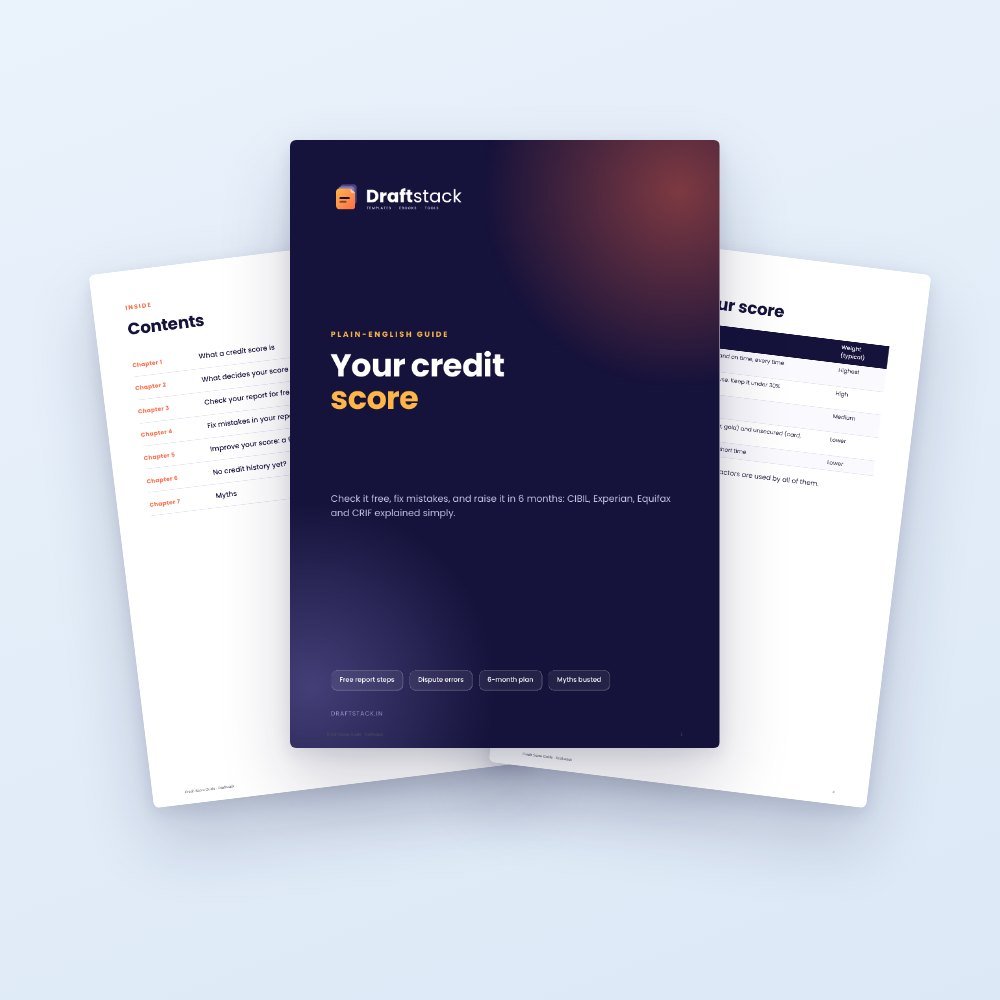
Credit Score Guide: Check Free, Fix Errors & Raise Your Score in 6 Months (Ebook)
₹79₹19960% off
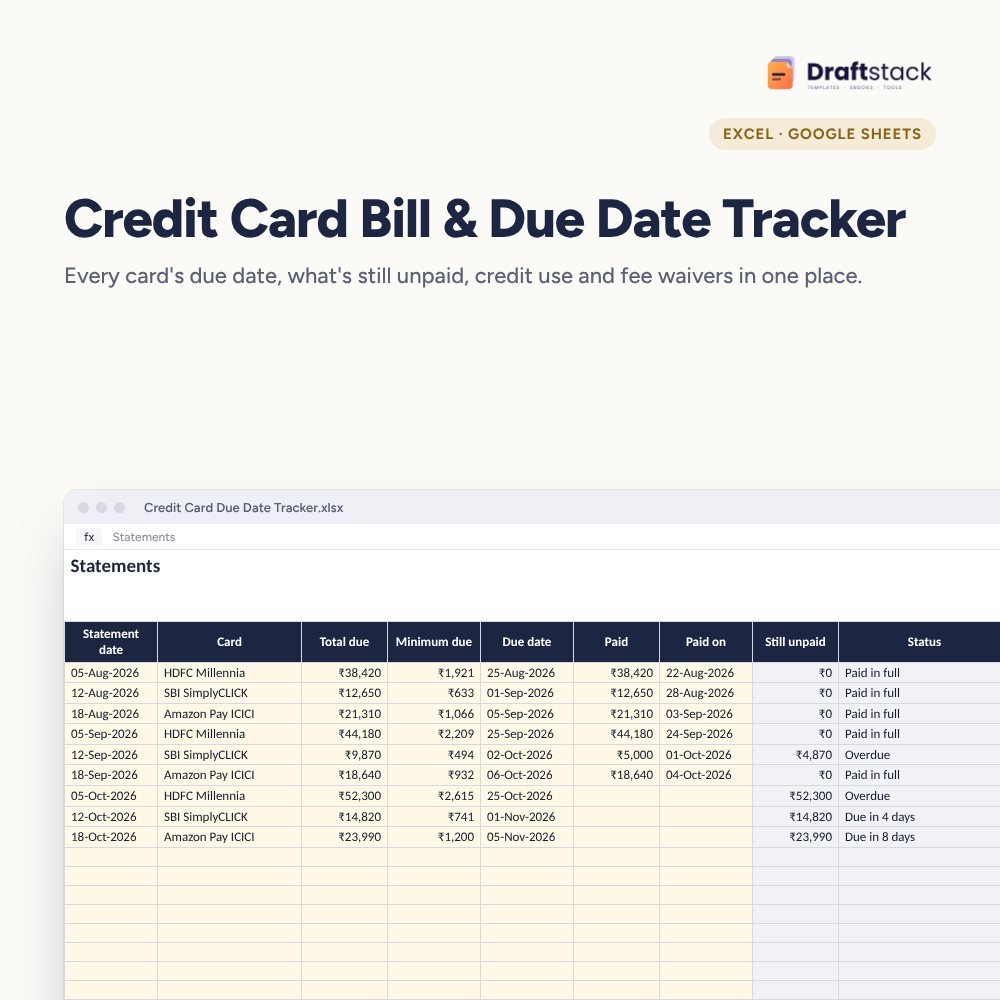
Three cards, three due dates, three statement cycles: this tracker puts every card's due date, unpaid amount, credit use and fee waiver progress on one page so you never pay a late fee again.
This item: Credit Card Bill & Due Date Tracker (Excel)₹149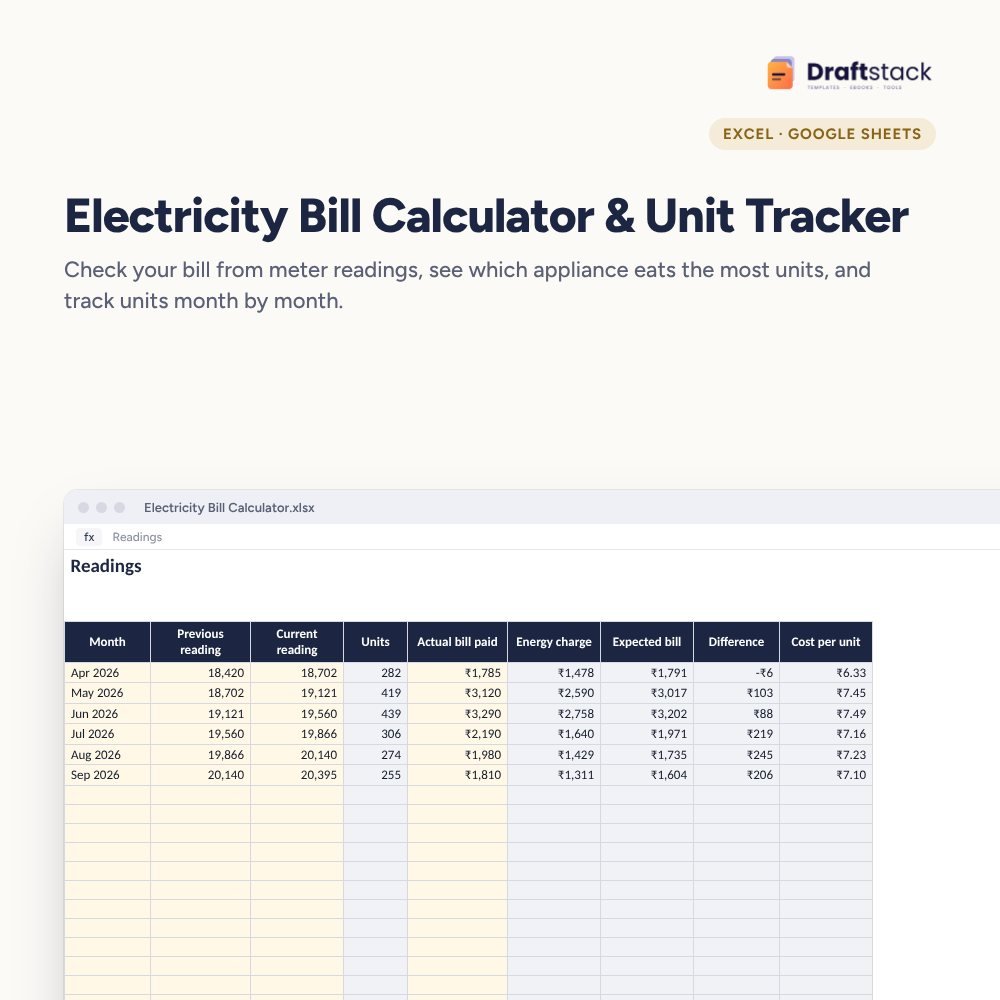 Electricity Bill Calculator & Unit Tracker (Excel)₹99
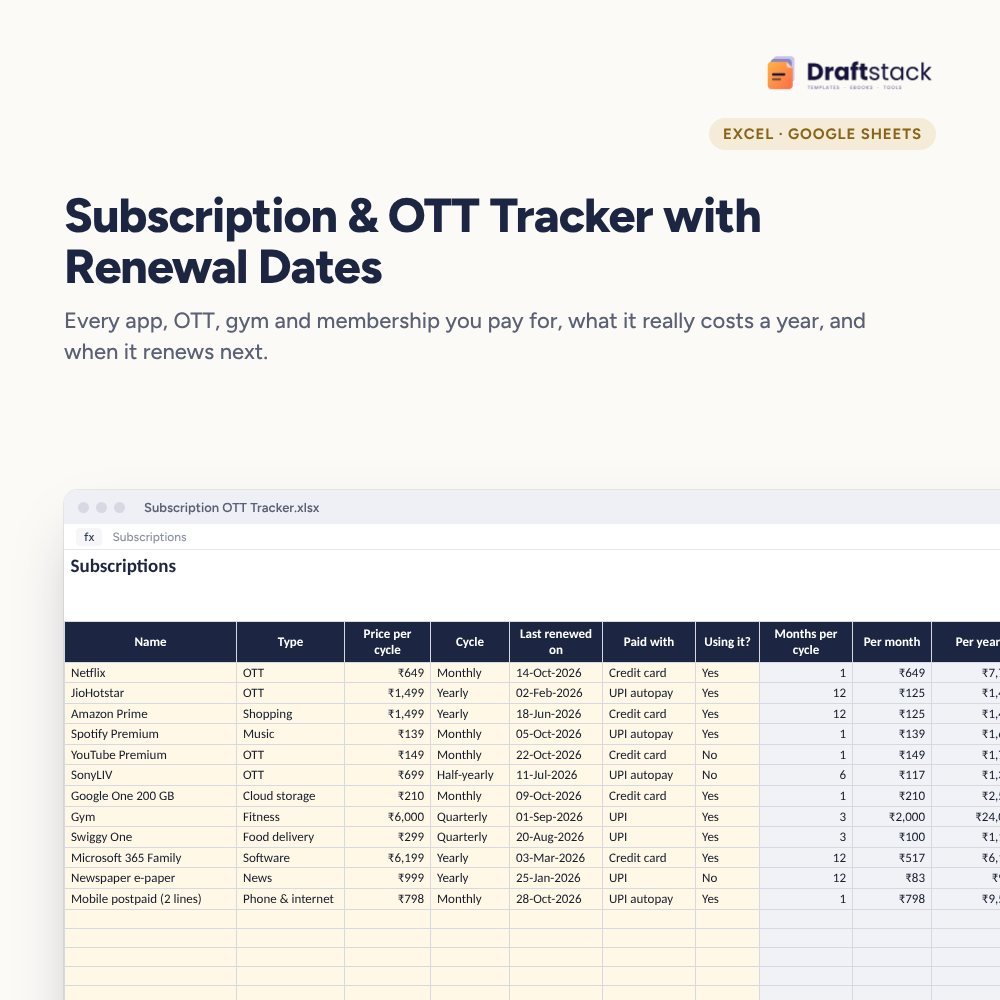 Subscription & OTT Tracker with Renewal Dates (Excel)₹79
One missed due date costs a late fee of ₹500 to ₹1,300, interest on the whole balance and a dent in your credit score. With two or three cards the dates are easy to mix up.
The file never asks for card numbers, CVV or PINs. Card name and bank are enough to track everything.
Up to 10 cards with limits and fees
200 bills with automatic status
Unpaid, next due date and credit use
Sample shows three months for three cards
A step-by-step guide is also included inside your download.
Limit, fee and waiver spend
When the SMS or email arrives
Type amount and date
Overdue and part-paid stand out
Keep each card under 30%
A spreadsheet can't send alerts, but Status counts down the days to each due date and the Dashboard shows the next one. Many people also set a phone reminder two days before.
Paying only the minimum avoids the late fee but interest is charged on the whole balance, usually 3 to 3.75% a month. It's a warning, not a mistake.
Unpaid amount ÷ credit limit. Keeping it under 30% helps your credit score.
Only keep the card name and bank. Never store the full number, CVV, PIN or OTP in any file.
Yes. Add the add-on as its own line on Cards, or log its spends under the main card.
A download button appears on screen right after payment, and the link is emailed to you. You can also download again any time from My account.
Yes. It works with Microsoft Excel, Google Sheets, WPS Office. Free mobile apps are enough.
Write to us within 7 days with your order number. We will fix it, send a working file, or refund you.
New
 New
New
 New
New

Your free PDF is on its way to .
Not there in 2 minutes? Look in Promotions or Spam.