How to Set Up an Employee Expense Claim Process
A clear expense process saves money, avoids awkward conversations and stops the "is this allowed?" questions every month.
Step 1: Write a one-page policy
Cover:
- Categories: travel, hotel, food, local conveyance, client meetings, phone and internet, other
- Limits: per night for hotels, per day for food, per claim for local travel; or "actuals with approval" for flights
- Bill rules: bills required above a small amount (for example ₹300); self-declaration allowed below
- Who approves and how quickly claims are paid
Limits can differ by grade or city type (metro vs others). Keep it simple enough to fit on one page.
Step 2: One claim, several lines
Each trip or month becomes one claim with a claim number and several lines. This keeps approvals and payments tidy.
Step 3: Check before approving
For each line, check:
1. Is it within the category limit?
2. Is a bill attached where needed?
3. Is it a genuine business expense?
Approvers can approve less than claimed (for example, the hotel limit), with a short reason.
Step 4: Pay on time
Set a timeline, for example 7 working days from approval, and stick to it. Employees accept strict limits far better than slow payments.
Step 5: Keep GST invoices
Ask employees to collect GST invoices in the company's name and GSTIN for hotels and air travel where possible. The company may be able to claim input tax credit.
Common mistakes
- No written policy, so every claim becomes a negotiation
- Approvers signing without checking limits
- Claims piling up for months
- Paying cash without a record
Advances
For long trips, give an advance and adjust it against the claim. Record the advance so it isn't forgotten.
Review quarterly
Look at spend by category and by person. A sudden rise usually means a new travel pattern or a policy that needs updating, not misuse.
Our Expense Claim & Reimbursement System checks every line against your limits and bill rules, tracks approval and payment, and prints a claim form for any claim number.
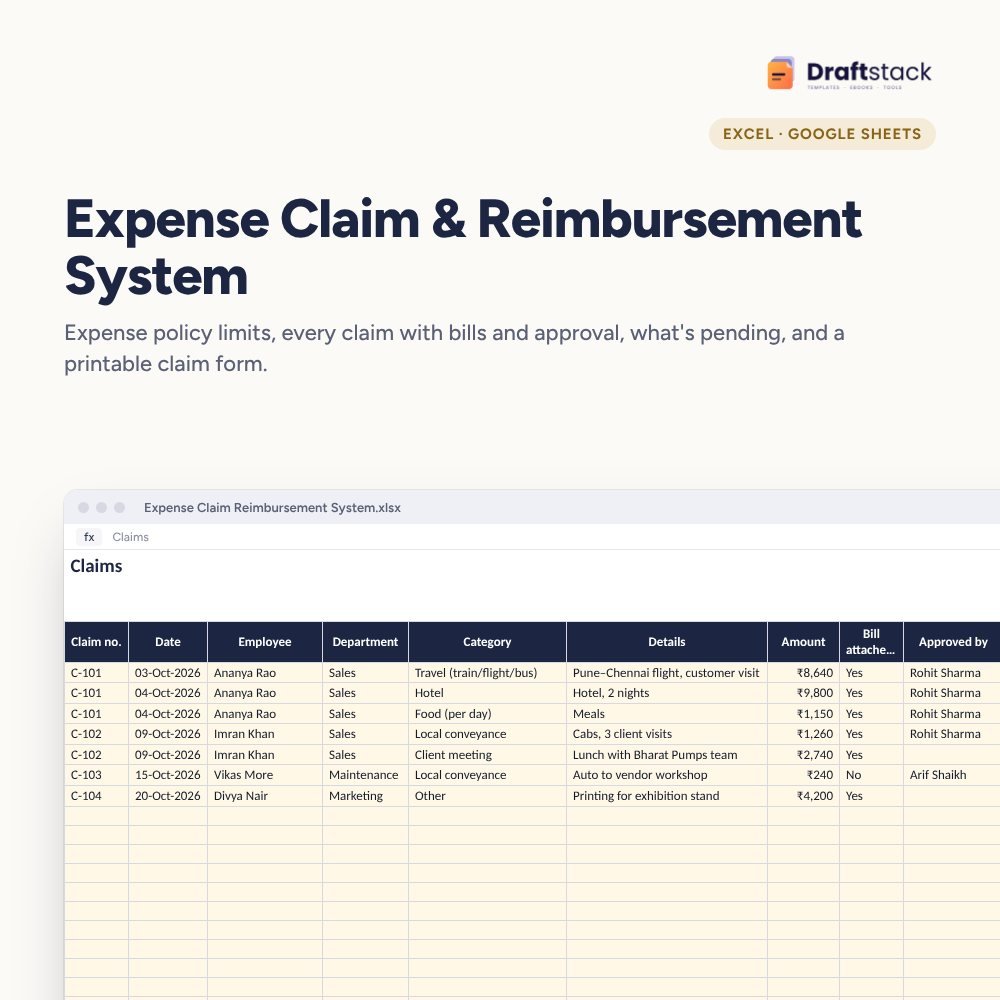 The template from this guideExpense Claim & Reimbursement System (Excel)
₹349
The template from this guideExpense Claim & Reimbursement System (Excel)
₹349  WhatsApp
Free Monthly Budget Sheet
A printable one-page budget sheet: income, fixed bills, daily spending and savings for the month. Print it or fill it on your phone.
More guides
How to Take Meeting Minutes That Get Things Done
What to record, how to write actions that actually happen, a simple format for minutes, and the habit that makes follow-up automatic.
How to Calculate Working Capital (and Free Up Cash)
Working capital, debtor days, inventory days, creditor days and the cash conversion cycle explained with examples, plus practical ways to release cash.
Depreciation as per Companies Act and Income-tax: A Simple Guide
Useful life, residual value, SLM vs WDV, depreciation by days used, income-tax blocks and the 180-day rule, with worked examples.