How to Make a Monthly MIS Report for Management
A monthly MIS (Management Information System) report answers one question: how did we do last month, and what needs attention now? It doesn't need to be long. It needs to be on time, consistent and honest.
The 10 numbers every management team should see
1. Revenue for the month and year to date
2. Gross profit and gross margin %
3. EBITDA and EBITDA margin %
4. Closing cash balance
5. Receivables and debtor days
6. Payables or creditor days
7. Order book or pipeline
8. Headcount and attrition
9. Customer complaints or returns
10. One or two numbers specific to your business: on-time delivery, utilisation, average order value
KPIs: targets, owners and status
Every KPI needs four things:
- A clear definition that doesn't change month to month
- A target, agreed at the start of the year
- An owner, one person who explains the number
- A direction: is higher better (revenue) or lower better (complaints)?
A simple status rule works well: On track if the KPI meets target; Watch if it misses by up to 5%; Off track if it misses by more.
Keep the format fixed
The biggest value of an MIS is the trend. If the layout or definitions change every month, nobody can compare. Fix the format once, then only update the numbers.
A monthly routine that works
- By the 5th: accounts closes the month's books (sales, purchases, salaries, provisions)
- By the 7th: each KPI owner sends the month's actual
- By the 10th: the MIS is ready and shared
- Monthly review: 45 minutes with department heads, starting with the Off track items
Common mistakes
1. Too many numbers. If the report has 80 KPIs, nobody reads it. Twenty is plenty.
2. Only financials. Revenue is the result; the operating KPIs explain it.
3. No commentary. Add two or three lines on what changed and what you'll do.
4. Late reports. An MIS on the 25th is history, not information.
Debtor days in one line
Debtor days ≈ receivables ÷ monthly revenue × 30. If it rises from 45 to 60, cash is getting stuck with customers even if sales look healthy.
Start this month
Our Monthly MIS Report & KPI Dashboard gives you a fixed P&L summary, up to 30 KPIs with automatic status, and a one-page dashboard for any month. Fill it from your accounting software in under an hour.
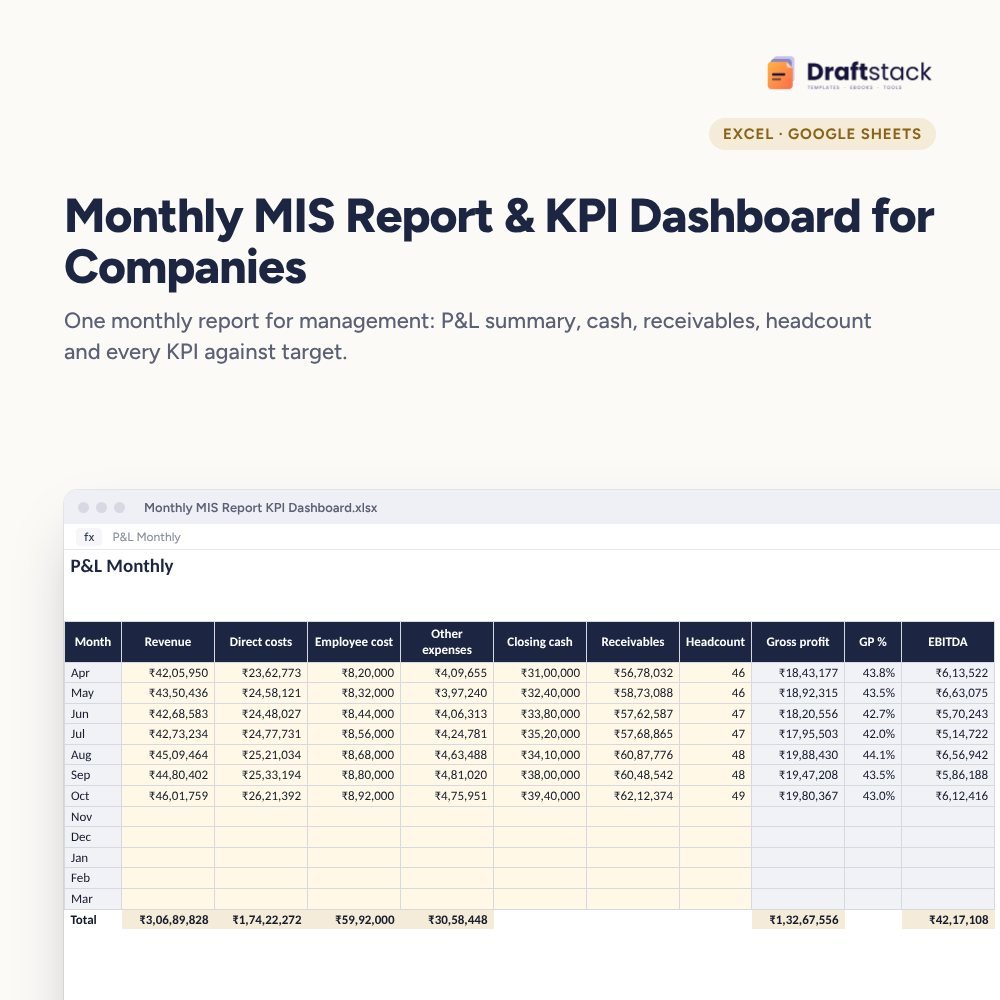 The template from this guideMonthly MIS Report & KPI Dashboard for Companies (Excel)
₹499
The template from this guideMonthly MIS Report & KPI Dashboard for Companies (Excel)
₹499  WhatsApp
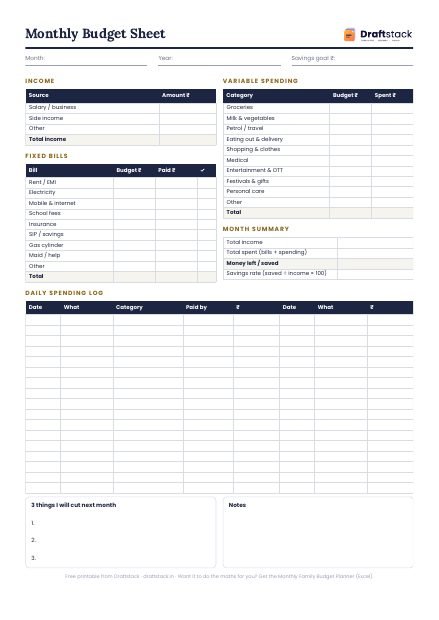
Free Monthly Budget Sheet
A printable one-page budget sheet: income, fixed bills, daily spending and savings for the month. Print it or fill it on your phone.
More guides
Budget vs Actual Variance: How to Calculate and Explain It
Favourable and adverse variance, month vs year-to-date, how to set thresholds, how to write variance explanations, with a worked example.
How to Keep a Daily Milk and Newspaper Account at Home
A simple daily habit for milk, newspaper and water can deliveries, how to work out the month-end bill, and how to settle without arguments.
How to Plan a Home Renovation Budget (and Stick to It)
Typical renovation costs in India, how to compare contractor quotes, paying in stages, keeping a buffer and the mistakes that blow budgets.