
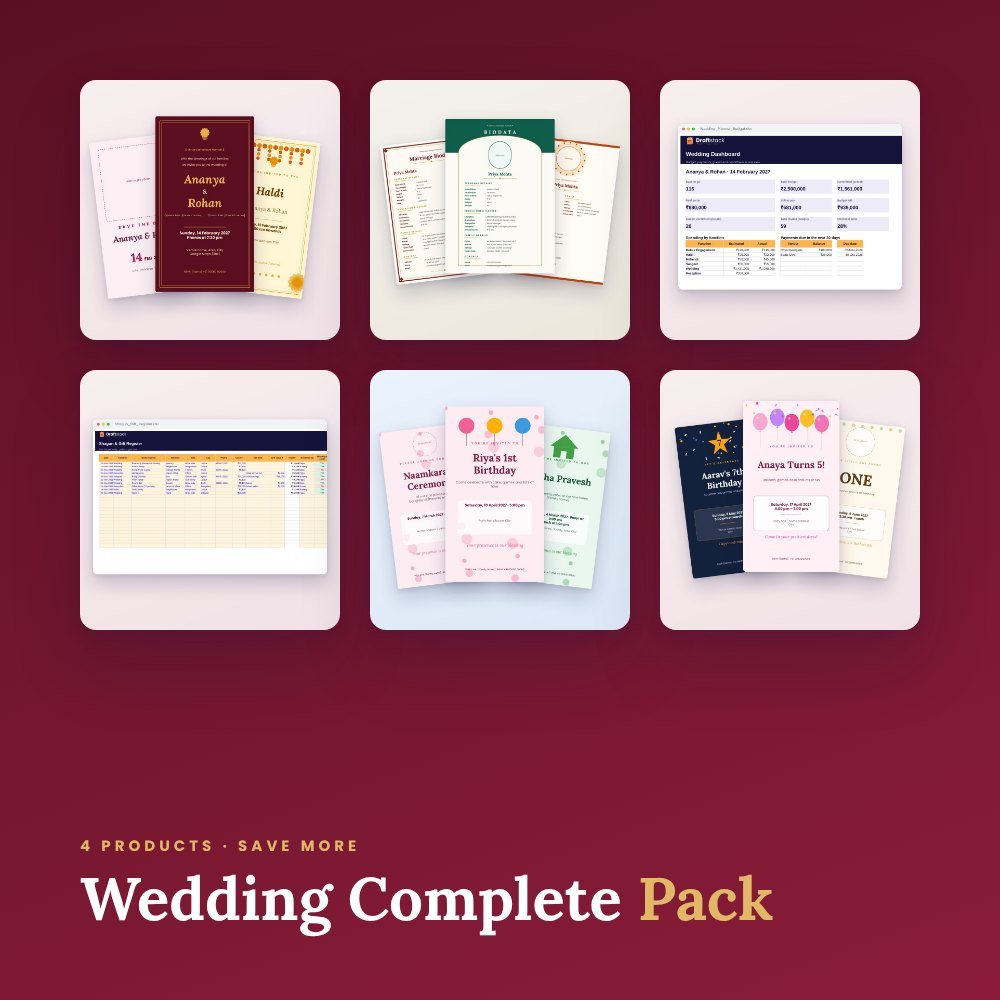
 Best value -38%
Free · saved to your account
Guest List & WhatsApp RSVP
Send every family a personal RSVP link on WhatsApp and see who is coming, live. No app for your guests.
Log in free to start
Your guest list and shagun register are saved to your account, so you can open them on any phone. We'll email you a 6-digit code. No password.
Continue with GoogleHow your guests reply
Namaste Sharma ji! You are invited to Riya & Arjun's Wedding. Sunday, 21 November. Please tap to tell us if you can come: draftstack.in/rsvp/…
Riya & Arjun's WeddingWill you come?
YesNoMaybe
How many people? 4Coming212
Not coming18
No reply41
How to use the Guest List & WhatsApp RSVP
- 1Create your event
Name, date, time and venue with a Google Maps link.
- 2Add guests
One by one or paste a whole list: name, phone, number of people.
- 3Send on WhatsApp
Each family gets a personal link to reply Yes, No or Maybe. You see the count live.
Questions
Do my guests need to log in?
No. They open the WhatsApp link, tap Yes, No or Maybe and choose how many people are coming.
Can I share one link in a WhatsApp group?
Yes. The open link lets anyone in the group reply with their name. Personal links are best for elders and VIPs.
Is it free?
Yes. Log in free with your email to save your events. Up to 1,500 guests per event.
Can I download the list?
Yes, as a CSV file that opens in Excel or Google Sheets.
Make your wedding beautiful
Best value -38%
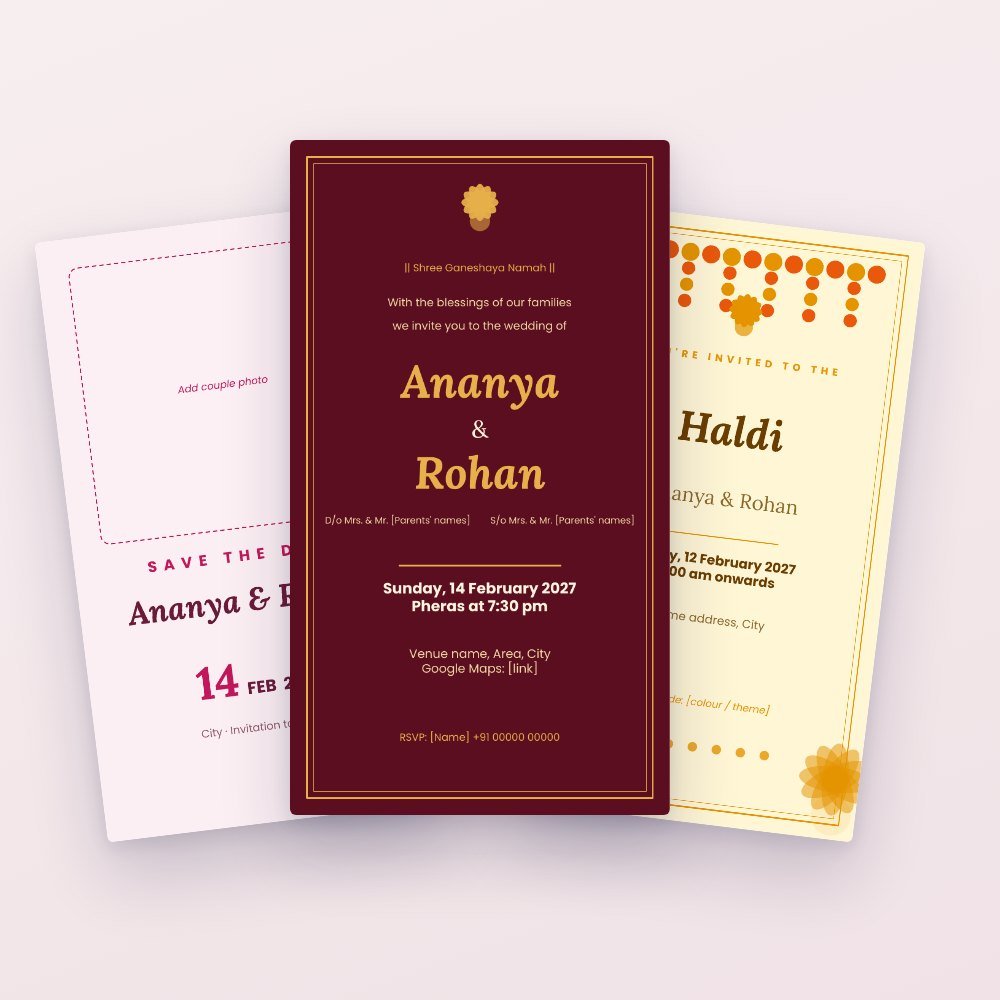 Trending -64%
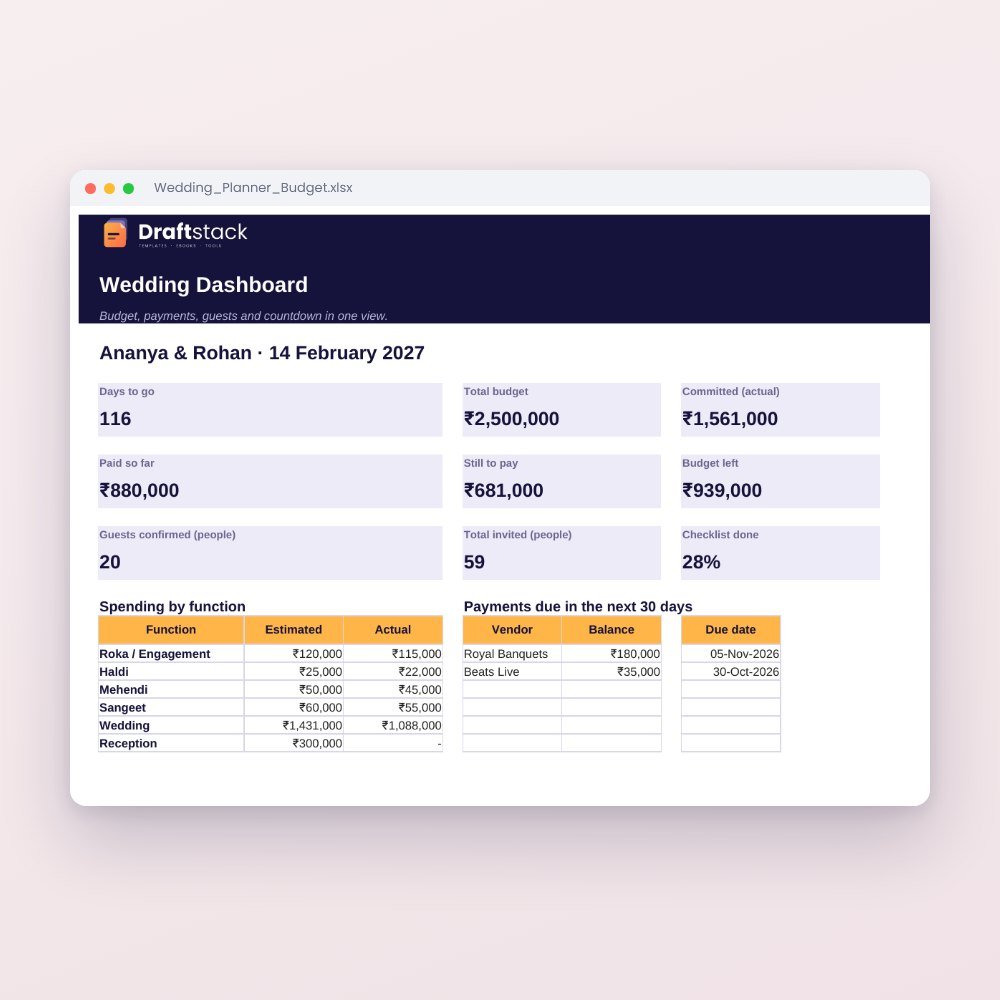 New -60%
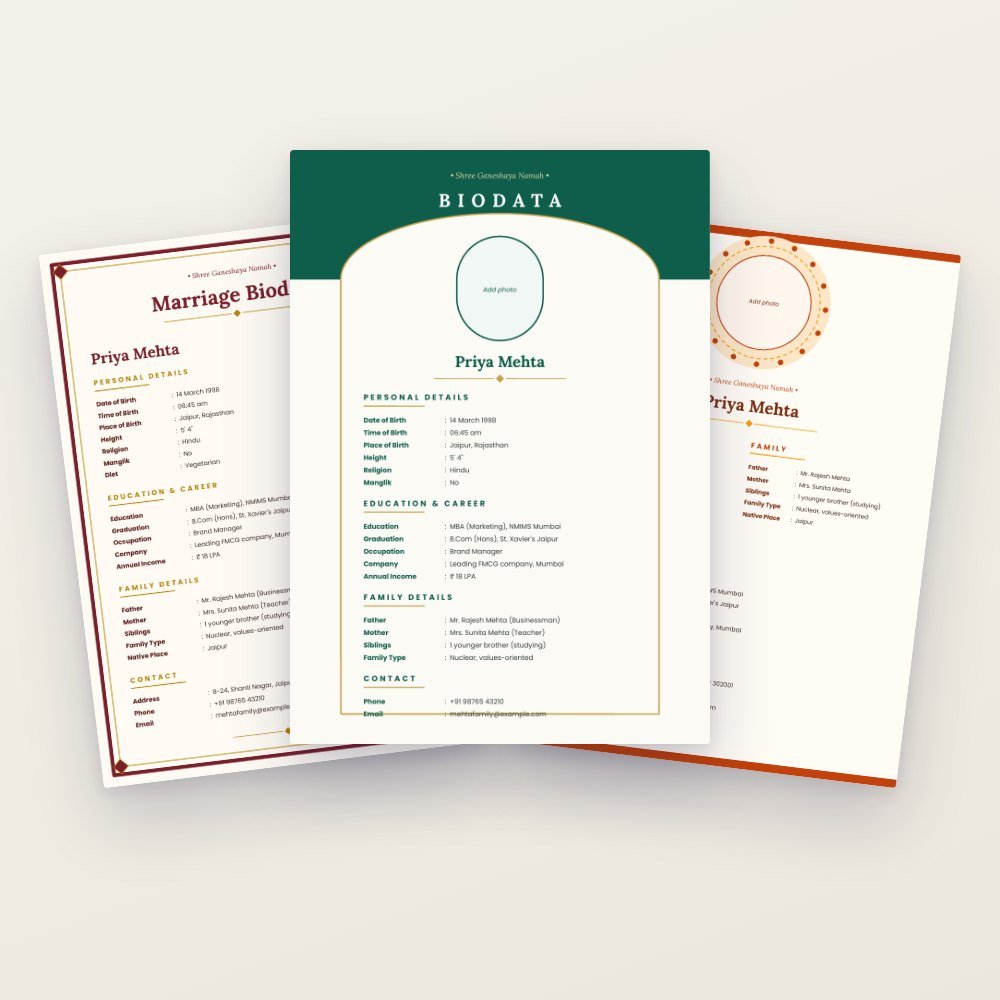 New -67%
