
 Pinterest


 New
Excel & Sheets
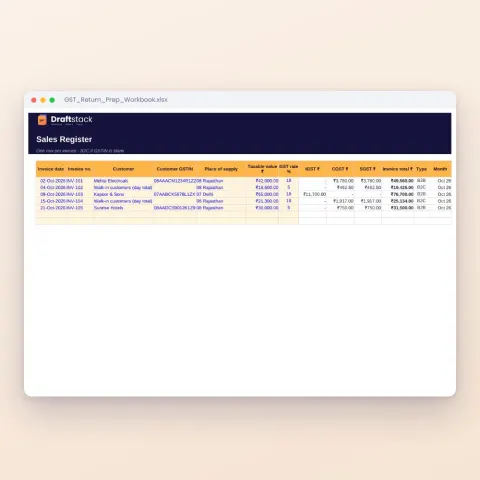
GST Return Prep Workbook (Excel): Sales & Purchase Registers, GSTR-1 and GSTR-3B Summary
Sale₹149₹49970% off

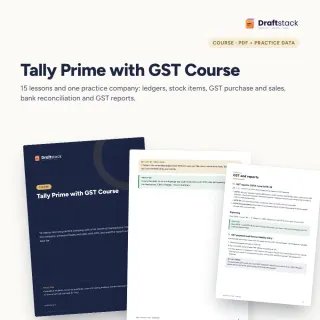
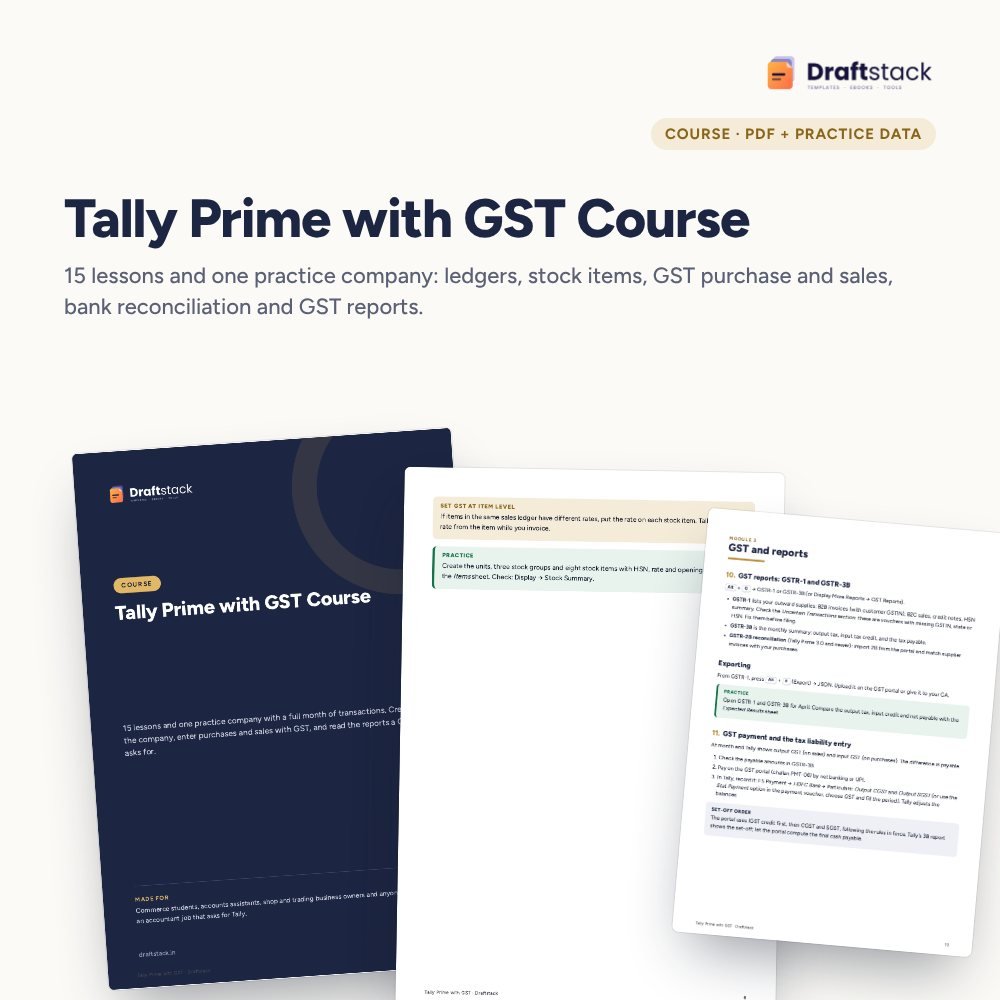
Learn Tally Prime by doing one month of real-looking accounts for a practice company: GST purchases and sales, payments, returns, bank reconciliation and GST reports.
 Get the whole Mega BundleBusiness & Work Mega Bundle: Excel, Canva & Office Tools for Shops, Sellers and Companies · ₹2,949 · you save ₹13,654See →
Accountant job ads almost always ask for Tally with GST. Reading about debits and credits does not get you there; entering a month of transactions does. This course gives you a practice company and walks you through every voucher.
Sharma Electricals, Pune: company details, 24 ledgers with opening balances, 8 stock items with HSN and opening stock, 30 dated transactions, a bank statement and an Expected Results sheet so you can check your work.
15 lessons in 3 modules, PDF
Ledgers, items, 30 transactions, bank statement
GST and totals worked out with formulas
Shortcuts and common questions
A step-by-step guide is also included inside your download.
Educational mode is fine
From the Company sheet
One lesson at a time
With the statement sheet
Expected Results sheet
No. Tally Prime's educational mode lets you practise. It limits voucher dates, which does not matter for learning.
Tally Prime (any release). Screen names follow Tally Prime. Tally ERP 9 users can follow the accounting but menus differ.
Both, at the level an accounts assistant needs: CGST, SGST and IGST, input credit, returns and payment. Rates and rules change, so check current ones before filing.
No. It is a PDF course book with a practice data file. You enter each transaction in Tally yourself.
It covers what most junior accountant roles test: vouchers with GST, bank reconciliation and basic reports, plus common interview questions.
A download button appears on screen right after payment, and the link is emailed to you. You can also download again any time from My account.
Yes. It works with Any phone, tablet or computer, Print-ready A4, Tally Prime (educational mode works). Free mobile apps are enough.
Write to us within 7 days with your order number. We will fix it, send a working file, or refund you.
New
 New
 New
 New

Your free PDF is on its way to .
Not there in 2 minutes? Look in Promotions or Spam.