WhatsApp
 Pinterest
 New
New
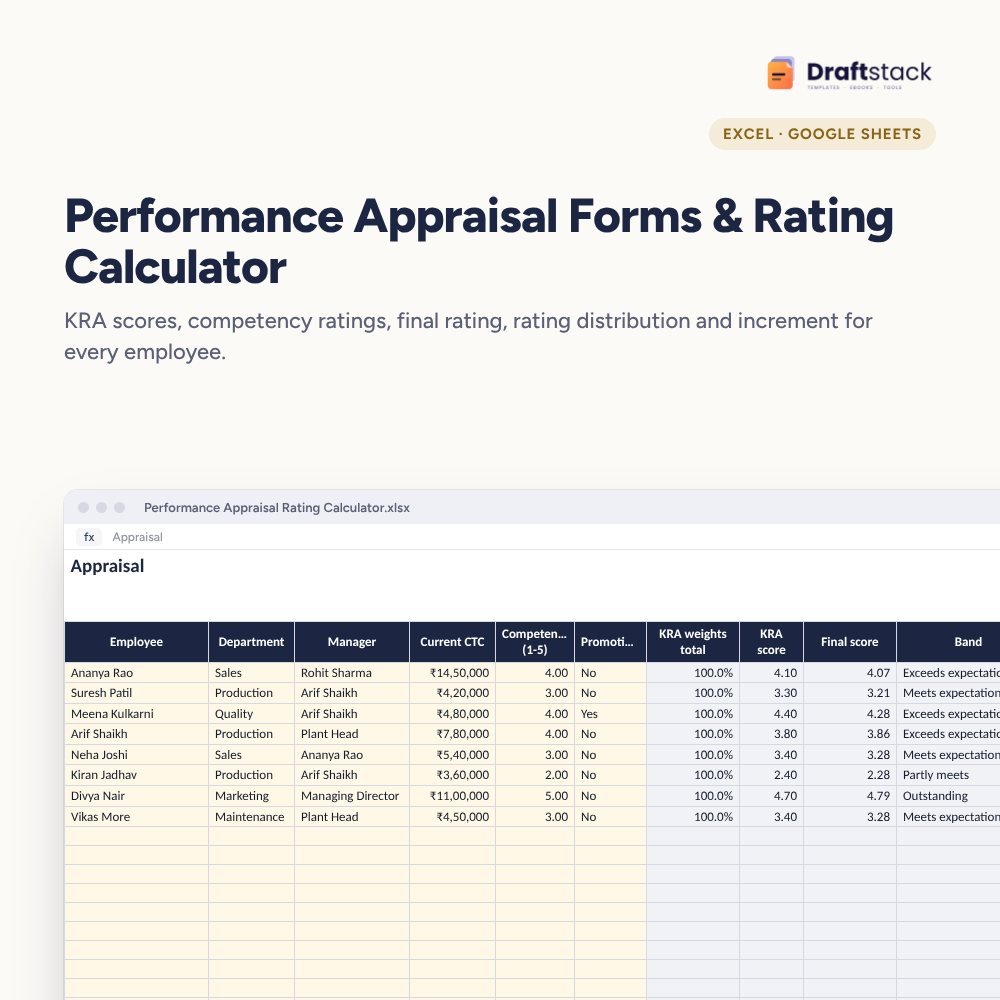
Performance Appraisal Forms & Rating Calculator (Excel)
Run your annual appraisal in one file: weighted KRA scores and competency ratings, a final score and band for every employee, a distribution check against your expected curve, and increments with new CTC.
₹349₹799Save ₹450 (56%)
Inclusive of all taxes · One-time payment · Instant download
1 offer for you
Instant downloadOn screen + email
Secure paymentUPI · Cards · Net Banking
7-day helpFix or refund if faulty
Perfect for
HR managers running annual appraisalsFounders deciding incrementsDepartment heads scoring teams
What you get2 × .xlsx (blank + sample)
Works withMicrosoft Excel · Google Sheets · WPS Office
DeliveryInstant download
LicencePersonal & own-business use
Frequently bought together
This item: Performance Appraisal Forms & Rating Calculator (Excel)₹349 Employee Training Matrix & Skill Gap Tracker (Excel)₹299
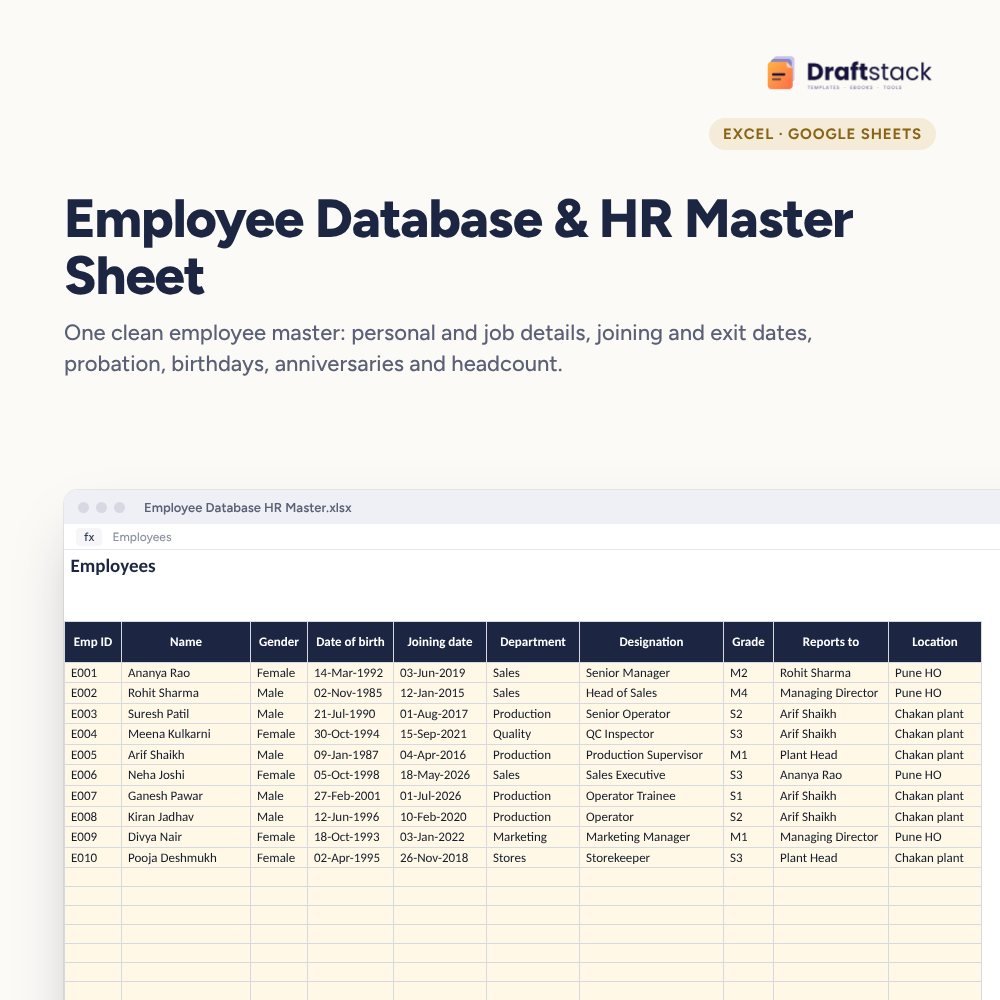 Employee Database & HR Master Sheet (Excel)₹299
All three: ₹852₹947Extra 10% off
Appraisals feel unfair when the rules are unclear and every manager scores differently. This file makes the maths consistent and shows you, before announcements, whether ratings are too generous or too harsh.
What it does
- KRA Scores: each person's KRAs with weight and a 1 to 5 score, with a check that weights add up to 100%
- Appraisal: competency rating, KRA score, final weighted score, band, increment % (plus a promotion bump) and new CTC
- Rating Bands: score needed, increment and expected share for Outstanding, Exceeds, Meets, Partly meets and Below
- Distribution: people and share in each band vs your expected curve, average score, salary bill increase and average increment
Fair and explainable
Every number traces back to a KRA score and a rule. When an employee asks 'why this rating?', you can show them.
What's inside
Everything you get
01
Appraisal sheet
200 employees with band and new CTC
02
KRA Scores
Weighted scores with checks
03
Distribution
Calibration and cost of increments
04
Blank + sample
Sample with 8 employees
Files in your download
- XLSXPerformance_Appraisal_Rating_Calculator.xlsx48 KB
- XLSXPerformance_Appraisal_Rating_Calculator_SAMPLE.xlsx49 KB
How to use
Start in 5 simple steps
A step-by-step guide is also included inside your download.
- 1
Set bands and increments
Once a year
- 2
Score KRAs
With managers
- 3
Rate competencies
1 to 5
- 4
Calibrate
Check the distribution
- 5
Announce
With clear reasons
FAQ
Questions about this product
How is the final score worked out?
KRA score × KRA weight + competency rating × competency weight. Weights are on Settings (70/30 by default).
Do we have to force a bell curve?
No. The expected share is a guide for calibration. Many companies use it only to spot extreme scoring.
Can I change the increment % by band?
Yes, on Rating Bands. Promotions add an extra % set on Settings.
What if KRA weights don't add to 100%?
The Check column shows it in red so you can fix it before finalising.
Is there a self-appraisal form?
This file covers scoring and outcomes. Collect self-assessments in your usual form and enter the agreed scores.
How do I get the files after payment?
A download button appears on screen right after payment, and the link is emailed to you. You can also download again any time from My account.
Can I use it on my phone?
Yes. It works with Microsoft Excel, Google Sheets, WPS Office. Free mobile apps are enough.
What if something does not work?
Write to us within 7 days with your order number. We will fix it, send a working file, or refund you.
Our promiseEvery file is tested before launch. If something doesn't work, we fix it or refund you within 7 days. Refund policy
Complete the set
Goes well with this
New
New
 New
New
 New
New
Excel & Sheets
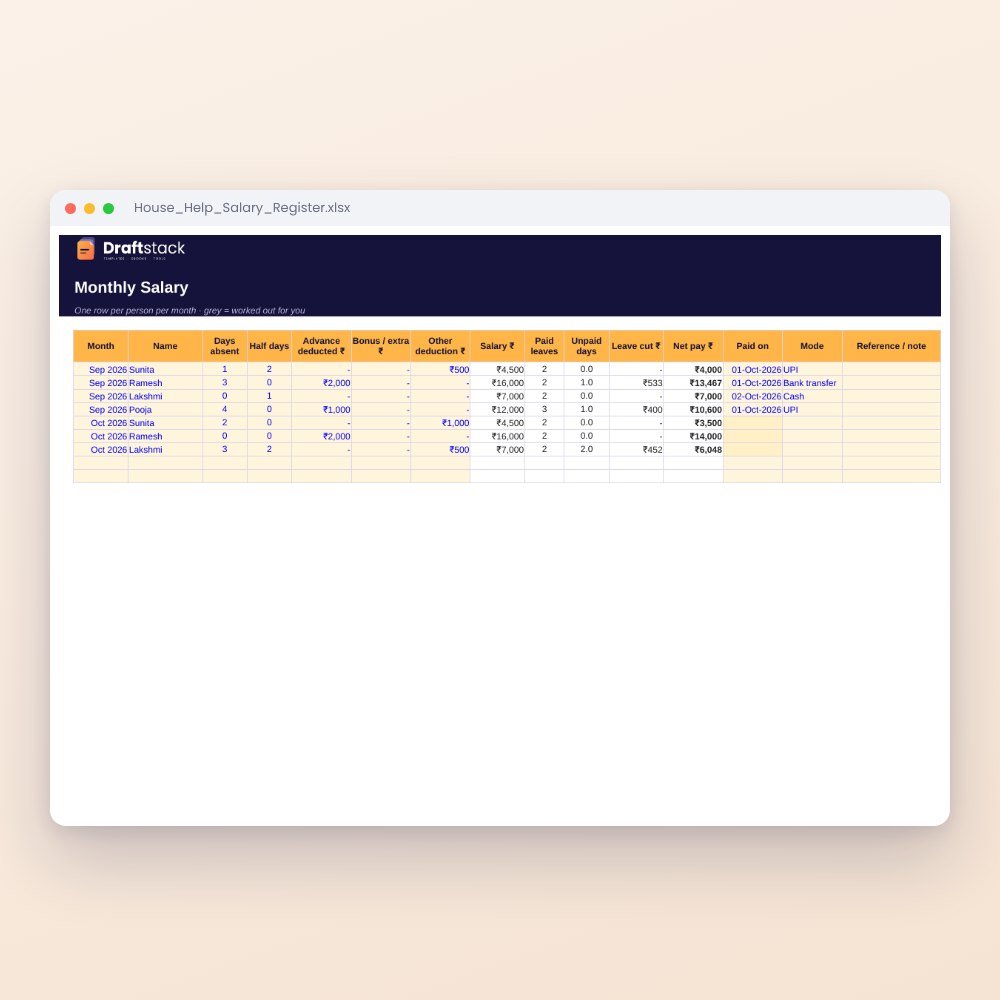
House Help Salary & Attendance Register (Excel): Maid, Cook, Driver, Nanny
₹99₹24960% off