WhatsApp
 Pinterest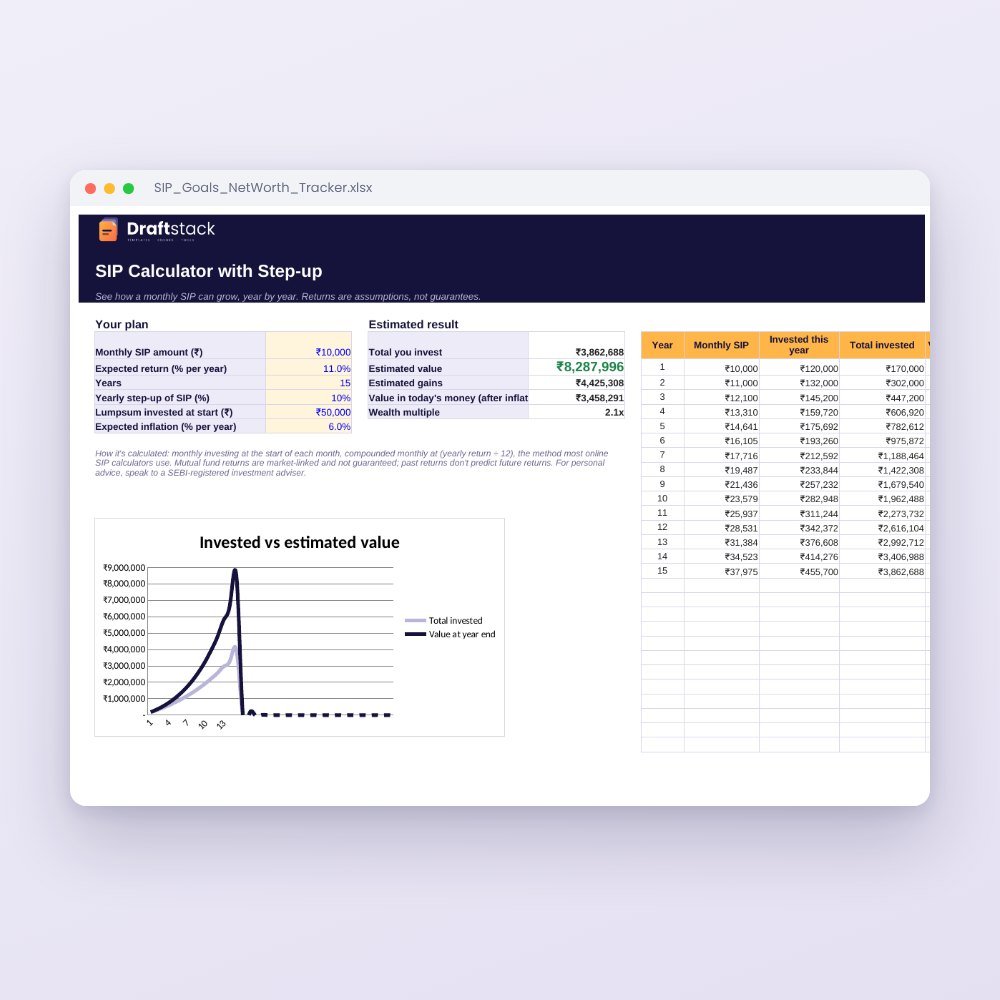
Mutual Fund Portfolio Tracker with XIRR (Excel)
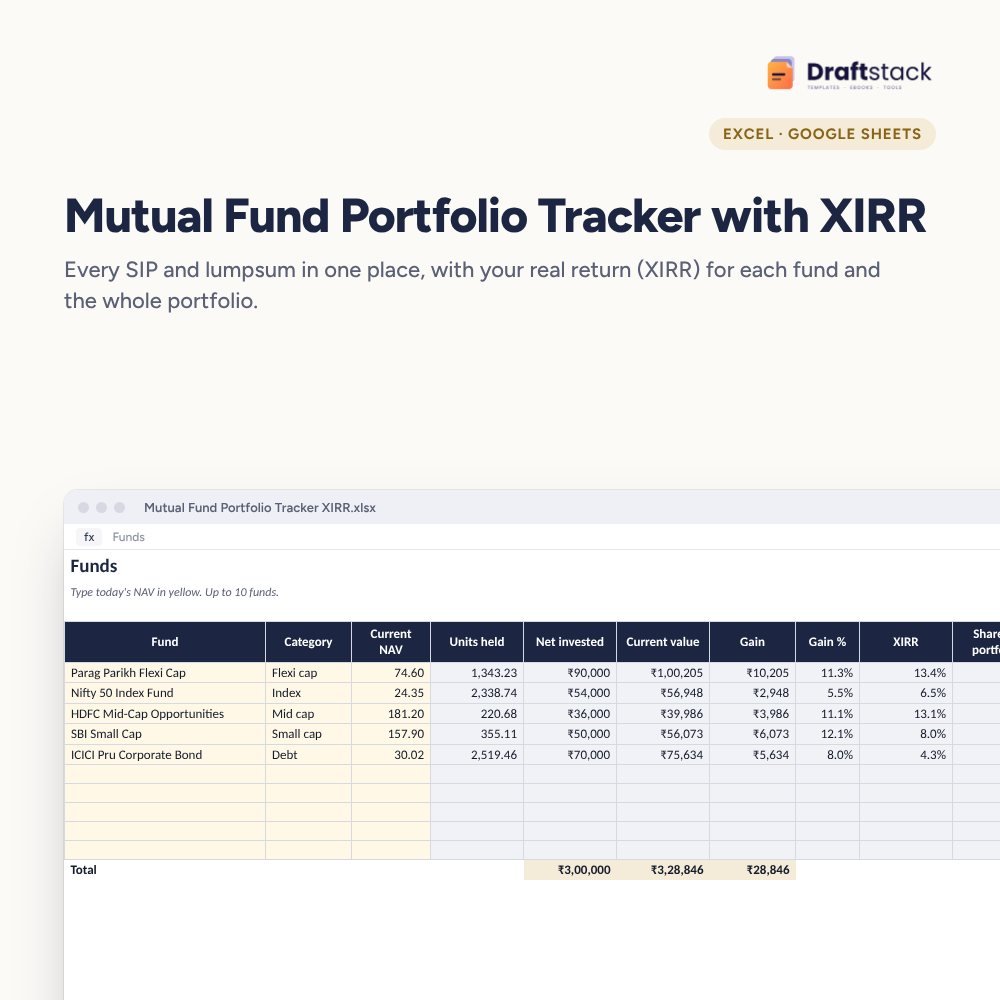
Track every SIP, lumpsum and redemption across all your mutual funds and see your real return: XIRR for each fund and for the whole portfolio, plus where your money sits by category.
₹199₹499Save ₹300 (60%)
Inclusive of all taxes · One-time payment · Instant download
1 offer for you
Instant downloadOn screen + email
Secure paymentUPI · Cards · Net Banking
7-day helpFix or refund if faulty
Perfect for
SIP investors with funds across AMCsAnyone who wants the real return on their SIPsFamilies tracking investments for goals
What you get2 × .xlsx (blank + sample)
Works withMicrosoft Excel · Google Sheets · WPS Office
DeliveryInstant download
LicencePersonal & own-business use
Frequently bought together
This item: Mutual Fund Portfolio Tracker with XIRR (Excel)₹199SIP, Goals & Net Worth Tracker₹199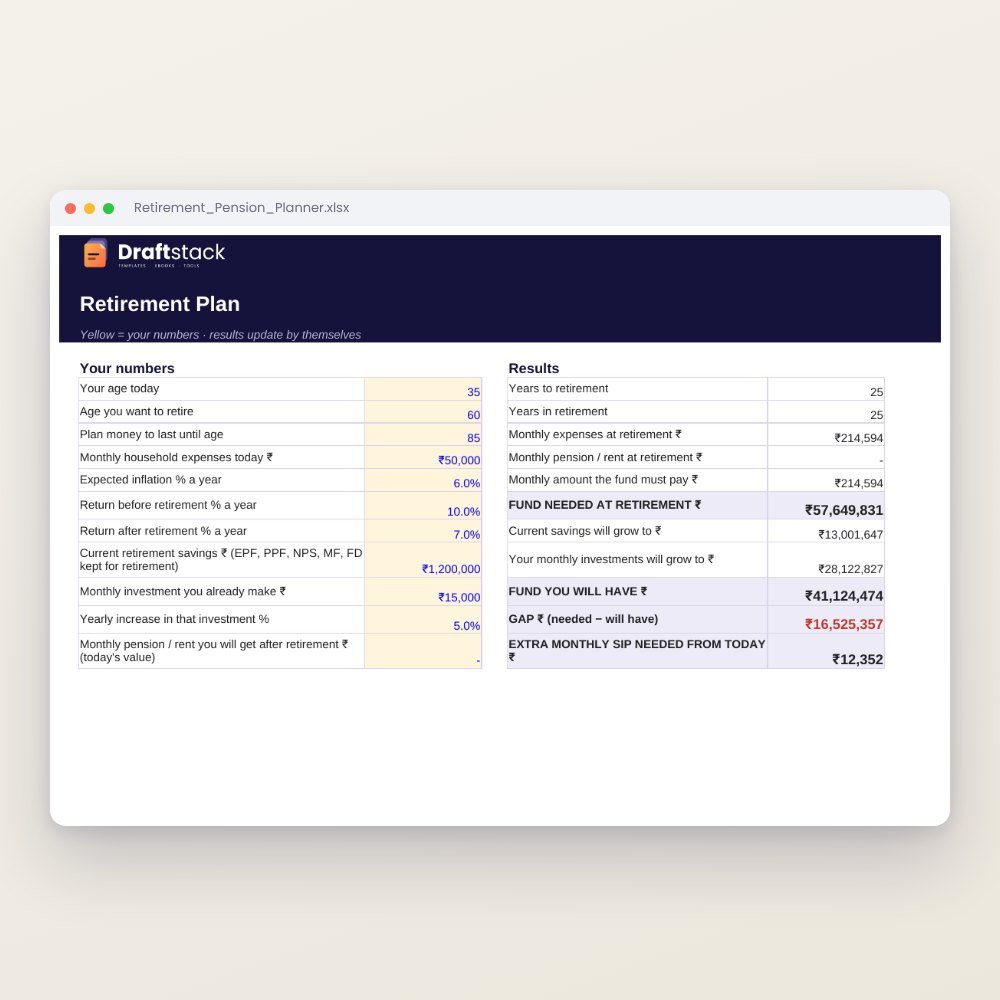 Retirement & Pension Planner (Excel): Fund Needed, Gap & Monthly SIP₹149
All three: ₹492₹547Extra 10% off
Fund apps show you a gain percentage, but for SIPs that number is misleading. An instalment from last month and one from three years ago are treated alike. XIRR fixes that, and this tracker works it out for you.
What it does
- Funds: up to 10 funds with category and today's NAV
- Transactions: SIP, lumpsum and sell entries with NAV; units are worked out for you
- Per fund: units held, net invested, current value, gain, gain % and XIRR
- Portfolio XIRR across all funds, plus monthly SIP total and first investment date
- By category: large, mid, small cap, index, debt, gold and more, with a pie chart
Your data stays with you
No app login, no linking your PAN or email. Copy transactions from your consolidated account statement (CAS) or fund app once, then add new SIPs each month.
What's inside
Everything you get
01
Funds sheet
10 funds with XIRR and gain
02
Transactions
400 entries with units worked out
03
Dashboard
Portfolio XIRR and category split
04
Sample
18 months of SIPs across 5 funds
Files in your download
- XLSXMutual_Fund_Portfolio_Tracker_XIRR.xlsx71 KB
- XLSXMutual_Fund_Portfolio_Tracker_XIRR_SAMPLE.xlsx73 KB
How to use
Start in 5 simple steps
A step-by-step guide is also included inside your download.
- 1
Add your funds
Name, category and NAV
- 2
Copy transactions
From your CAS or app
- 3
Update NAVs
Once a month
- 4
Read XIRR
Per fund and overall
- 5
Rebalance
Use the category split
FAQ
Questions about this product
What is XIRR and why does it matter?
XIRR is the yearly return that accounts for when each rupee was invested. For SIPs it is the only fair way to compare funds or with an FD.
Where do I get the NAV?
From your fund app, the AMC website or AMFI's daily NAV page. Type it in the Current NAV column.
Can I track more than 10 funds?
The XIRR columns are set up for 10 funds, which covers most portfolios. Combine very small holdings, or use a second copy of the file.
Does it handle redemptions?
Yes. Choose Sell, type the amount received and the NAV. Units go down and the cash flow counts in XIRR.
Does it calculate capital gains tax?
No, it shows returns before tax. Use it with your CAS for tax filing.
How do I get the files after payment?
A download button appears on screen right after payment, and the link is emailed to you. You can also download again any time from My account.
Can I use it on my phone?
Yes. It works with Microsoft Excel, Google Sheets, WPS Office. Free mobile apps are enough.
What if something does not work?
Write to us within 7 days with your order number. We will fix it, send a working file, or refund you.
Our promiseEvery file is tested before launch. If something doesn't work, we fix it or refund you within 7 days. Refund policy
Complete the set
Goes well with this
 New
New
 New
New
 New
New
Excel & Sheets
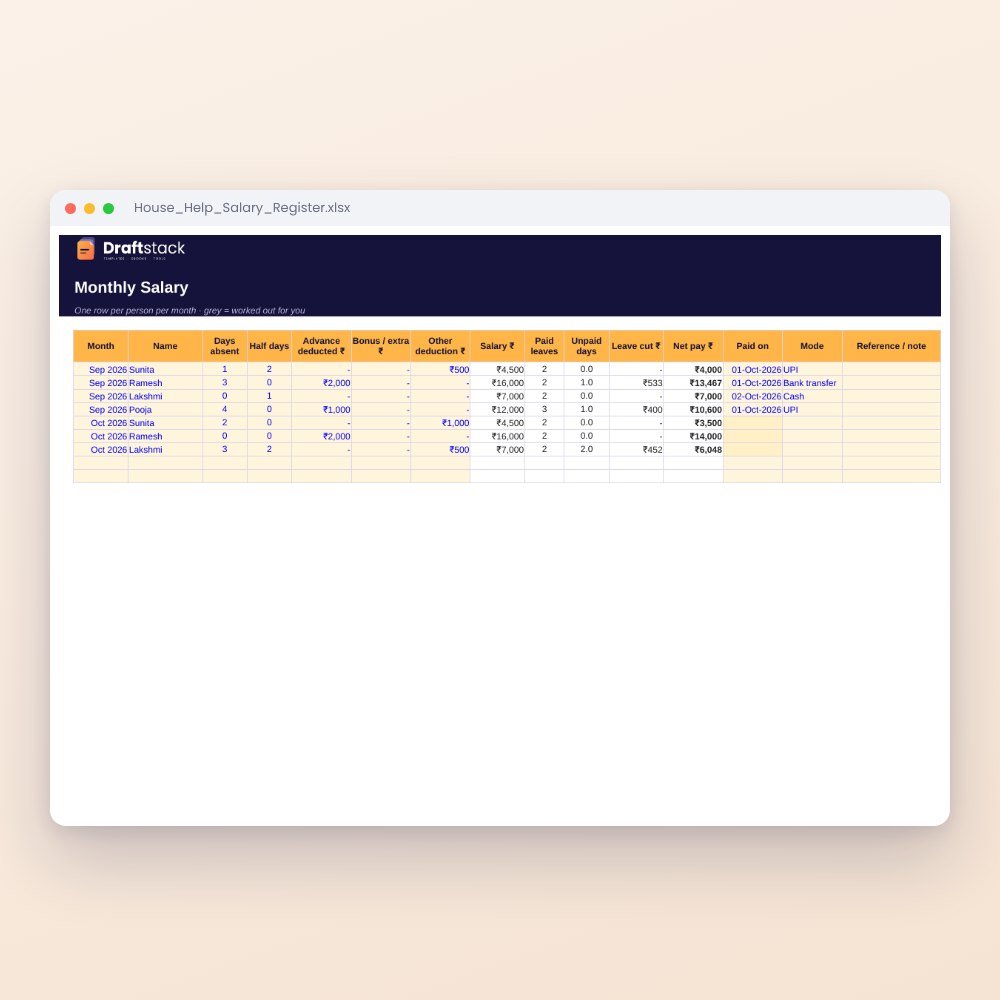
House Help Salary & Attendance Register (Excel): Maid, Cook, Driver, Nanny
₹99₹24960% off