WhatsApp
 Pinterest
 New
New
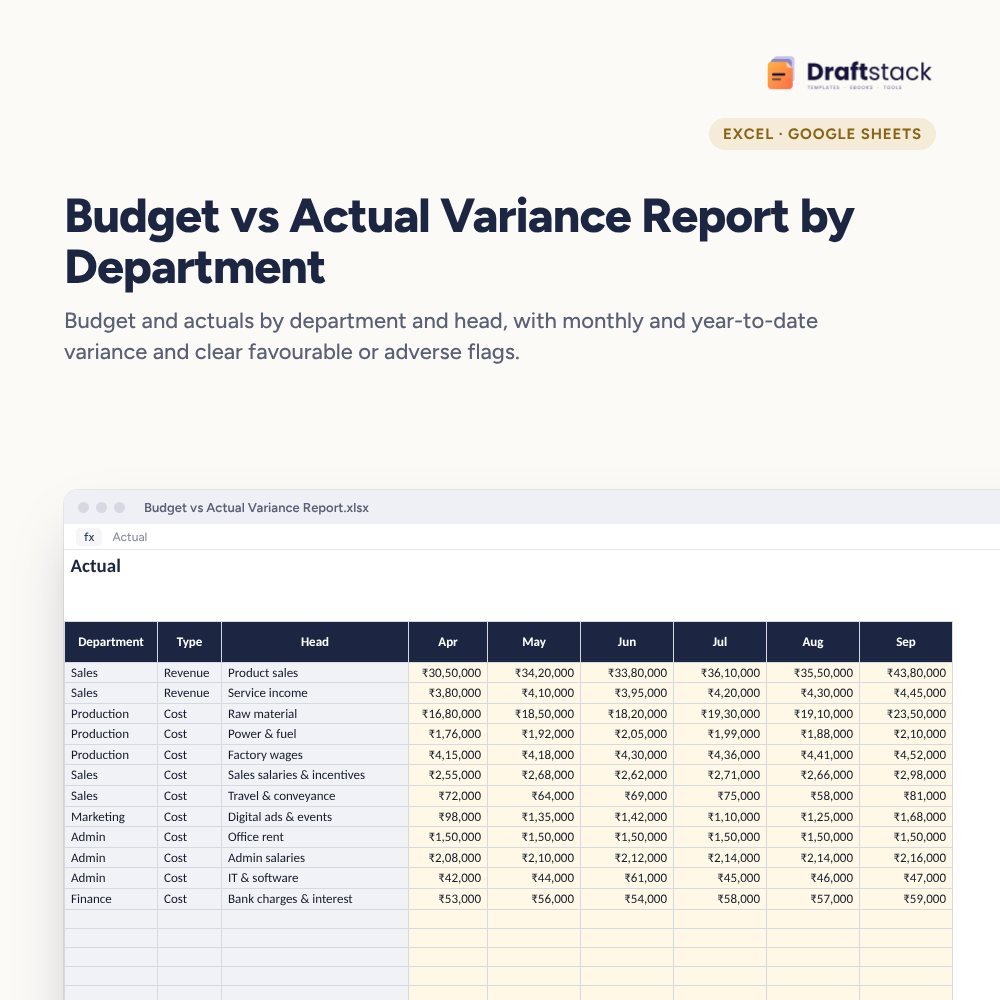
Budget vs Actual Variance Report by Department (Excel)
Compare budget and actual for every department and head, month by month: month and year-to-date variance, favourable or adverse flags with your own thresholds, and a report that tells you which lines need an explanation.
₹449₹999Save ₹550 (55%)
Inclusive of all taxes · One-time payment · Instant download
See a free sample (PDF) 1 offer for you
Instant downloadOn screen + email
Secure paymentUPI · Cards · Net Banking
7-day helpFix or refund if faulty
Perfect for
Finance managers and CFOsFounders of growing companiesDepartment heads who own a budget
What you get2 × .xlsx (blank + sample)
Works withMicrosoft Excel · Google Sheets · WPS Office
DeliveryInstant download
LicencePersonal & own-business use
Frequently bought together
This item: Budget vs Actual Variance Report by Department (Excel)₹449Monthly MIS Report & KPI Dashboard for Companies (Excel)₹499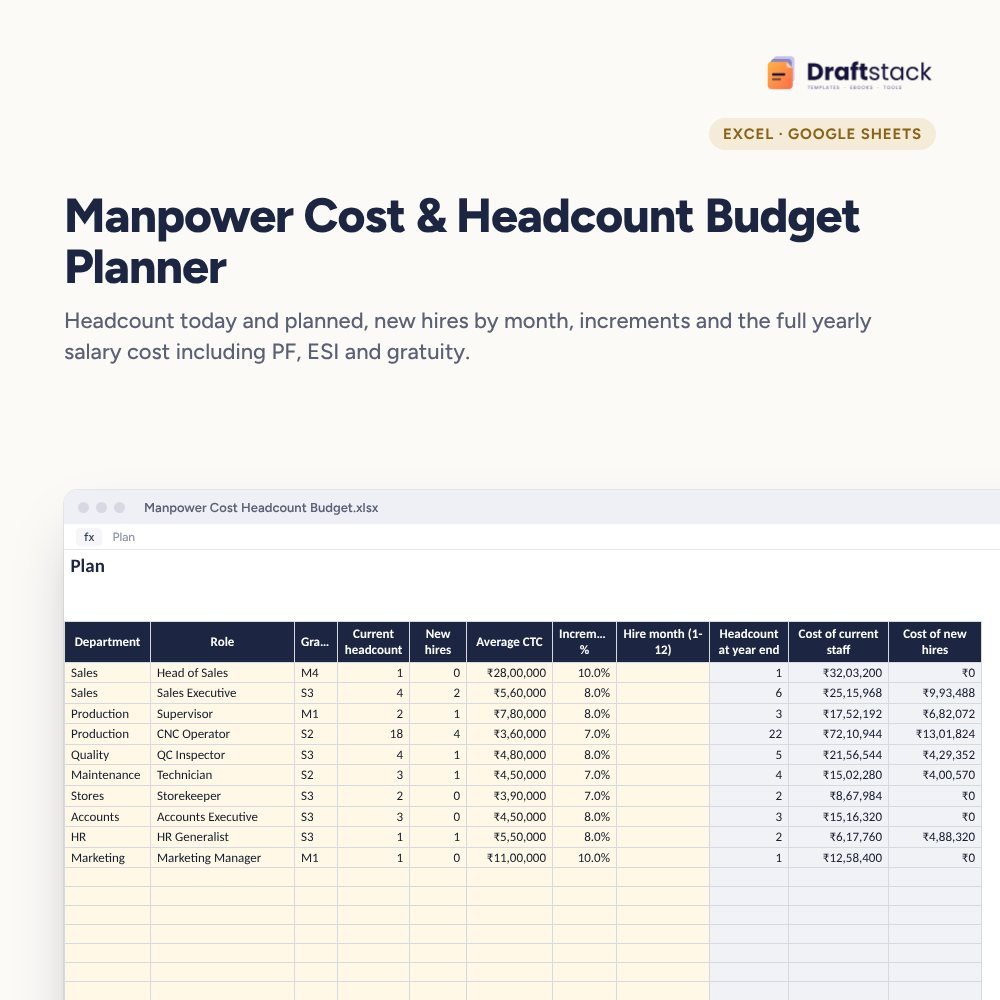 Manpower Cost & Headcount Budget Planner (Excel)₹449
All three: ₹1,257₹1,397Extra 10% off
A budget only works if someone compares it with actuals every month and asks why. Most companies make a budget in March and look at it again the next March. This report makes the monthly comparison quick.
What it does
- Budget: one line per department and head, revenue or cost, with 12 monthly amounts and the year total
- Actual: the same lines appear automatically; type monthly actuals
- Month and YTD variance for every line, in rupees and %, the right way round for revenue and cost
- Flags: only lines that miss by more than both your % and rupee threshold are marked 'Adverse: explain'
- Variance Report: revenue, cost and profit vs budget year to date, department totals with a chart, and the number of lines to explain
Built for review meetings
Pick the month on Settings and walk through the flagged lines with each department head. Ten lines that matter beat a hundred that don't.
What's inside
Everything you get
01
Budget sheet
80 lines by department and head
02
Actual sheet
Month and YTD variance with flags
03
Variance Report
Profit vs budget and department totals
04
Blank + sample
Sample with 7 months for a manufacturer
Files in your download
- XLSXBudget_vs_Actual_Variance_Report.xlsx33 KB
- XLSXBudget_vs_Actual_Variance_Report_SAMPLE.xlsx34 KB
How to use
Start in 5 simple steps
A step-by-step guide is also included inside your download.
- 1
Enter the budget
Once a year
- 2
Fill actuals
Every month from your books
- 3
Choose the month
On Settings
- 4
Discuss flags
With department heads
- 5
Re-forecast
If needed mid-year
FAQ
Questions about this product
What's favourable and adverse?
Favourable is good for profit: more revenue or less cost than budget. Adverse is the opposite. The report works it out the right way for each line.
Why both a % and a rupee threshold?
So a 40% miss on a ₹5,000 line doesn't crowd out a 6% miss on a ₹50 lakh line. Both must be crossed to flag.
Can I add departments?
Yes. Edit the Department list on the Lists sheet and add lines on Budget.
Does it handle mid-year re-forecasts?
Make a copy of the file for the re-forecast, or update the remaining months on Budget and note the change.
Is it for large companies?
It suits a company or one business unit with up to 80 budget lines. Larger groups can use one file per unit.
How do I get the files after payment?
A download button appears on screen right after payment, and the link is emailed to you. You can also download again any time from My account.
Can I use it on my phone?
Yes. It works with Microsoft Excel, Google Sheets, WPS Office. Free mobile apps are enough.
What if something does not work?
Write to us within 7 days with your order number. We will fix it, send a working file, or refund you.
Our promiseEvery file is tested before launch. If something doesn't work, we fix it or refund you within 7 days. Refund policy
Complete the set
Goes well with this
New
New
 New
New
 New
New
Excel & Sheets
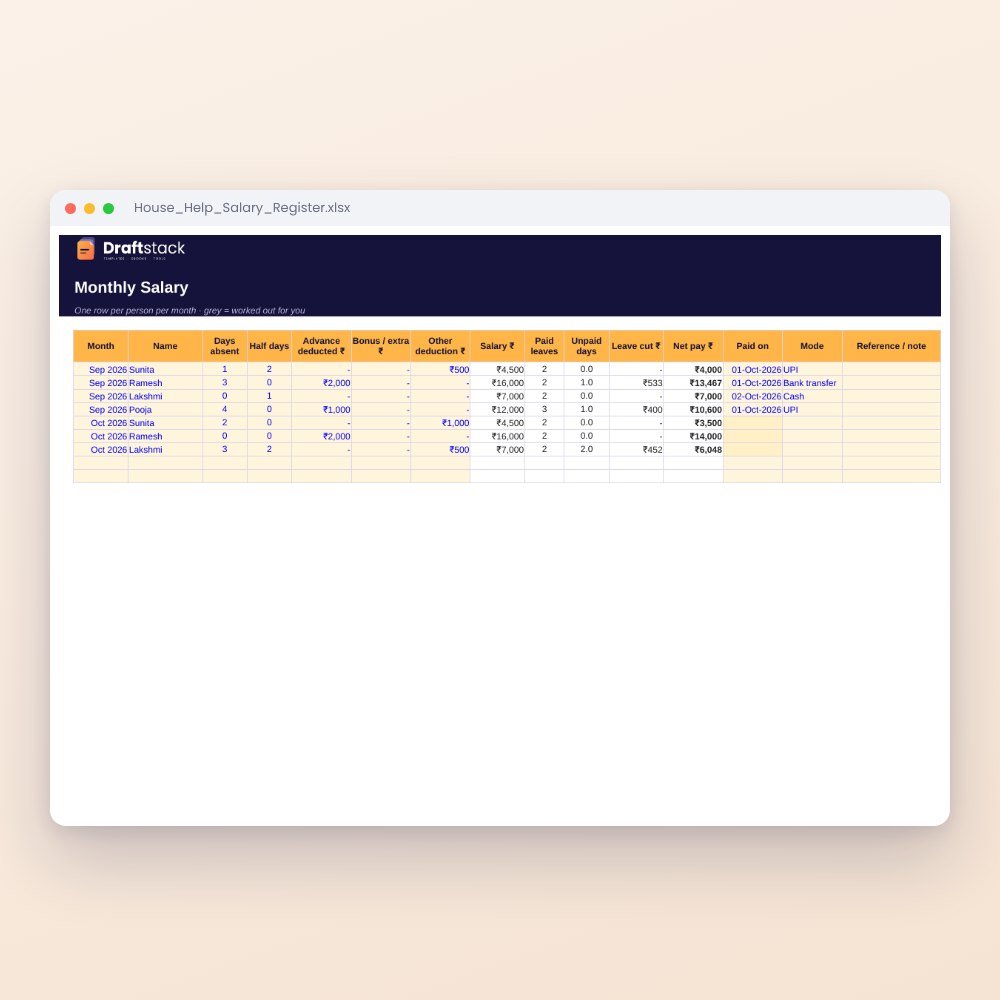
House Help Salary & Attendance Register (Excel): Maid, Cook, Driver, Nanny
₹99₹24960% off