How to Plan a Project with a Gantt Chart
A Gantt chart is a bar chart of a project over time: each task is a bar from its start to its end. It shows at a glance what happens when, who's doing it and if the project is on schedule.
Step 1: Break the work into tasks
List tasks of a few days to two weeks each. "Install machines" is too big; "Machine delivery", "Installation", "Trial runs" are better. Group them into phases: planning, design, procurement, execution, handover.
Step 2: Estimate durations honestly
Ask the person doing the work, add buffer for approvals and waiting time, and remember holidays and weekly offs. Most delays come from waiting (for quotes, approvals, deliveries), not from the work itself.
Step 3: Order the tasks
Some tasks can only start after others finish: a PO after vendor quotes, installation after delivery. Set start dates accordingly. Tasks that don't depend on each other can run in parallel.
Step 4: Owners and milestones
Every task needs one owner. Milestones are the moments that matter: scope sign-off, PO issued, machine delivered, go-live. They're what you report to management.
Step 5: Read the chart
- Bars to the left of today's date should be complete
- A bar crossing today should be partly done, roughly in proportion to the time passed
- If a task is 50% through its time but 10% done, it's behind; act now, not at the end date
The weekly review (20 minutes)
1. Update % done for every active task.
2. Look at tasks marked Behind or Overdue: what's blocking, who helps, what's the new date?
3. Check the next two weeks: are materials, people and approvals ready?
4. Share the Gantt with stakeholders.
Common mistakes
- Planning in too much detail for months ahead; detail the next 4 weeks, outline the rest
- No buffer before milestones promised to customers
- Updating the plan only when someone asks
Overall progress
Weight each task's % done by its duration. A 15-day task at 20% counts more than a 2-day task at 100%.
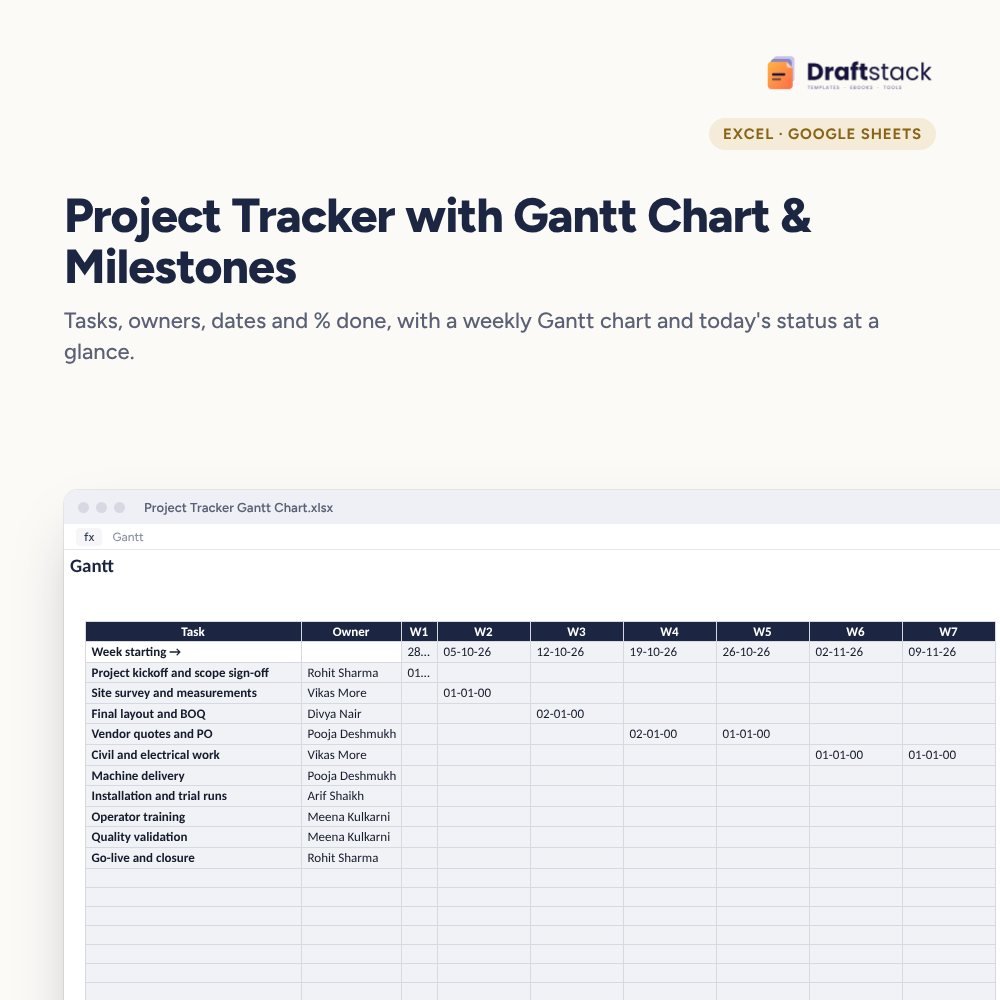
Our Project Tracker with Gantt Chart & Milestones builds a 16-week Gantt with completed work in green, flags tasks behind schedule and lists milestones with their status.
 The template from this guideProject Tracker with Gantt Chart & Milestones (Excel)
₹349
The template from this guideProject Tracker with Gantt Chart & Milestones (Excel)
₹349  WhatsApp
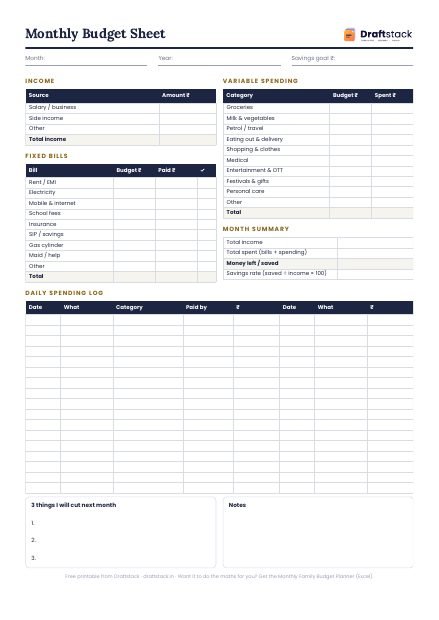
Free Monthly Budget Sheet
A printable one-page budget sheet: income, fixed bills, daily spending and savings for the month. Print it or fill it on your phone.
More guides
How to Make a Purchase Order (Format and Process)
What a purchase order must contain, PO numbering, GST on POs, the three-way match before payment, and a simple purchase process for small companies.
How to Write Good OKRs for Your Team (with Examples)
Objectives vs key results, measurable key results, targets that go up or down, weekly check-ins, scoring, and examples for every team.
How to Run a Fair Annual Performance Appraisal
Set KRAs with clear scoring, combine KRAs and competencies, use rating bands and calibration, link increments to ratings, and hold better appraisal conversations.