Get Your Shop on Google Maps: Google Business Profile Step by Step
When someone nearby searches "medical store near me" or "tailor in Andheri", Google shows a map with three businesses. Being one of those three can bring more customers than any poster. It starts with a free Google Business Profile.
Step 1: create the profile
Go to google.com/business and sign in with a Gmail account you will keep for the business. Enter the business name exactly as it appears on your signboard. Choose the main category carefully: *Pharmacy*, *Dental clinic*, *Tailor*, *Bakery*. You can add more categories later.
Step 2: location and contact
Add your full address and place the pin on the map at your entrance. If you visit customers at home (plumber, AC repair), choose a service area instead of a shop address. Add the phone number you answer, your website or WhatsApp link, and opening hours. Add special hours for festivals and holidays.
Step 3: verification
Google needs to confirm your business is real. Depending on the business, it may ask for a short video showing the signboard, the inside and something that proves you run it, or a phone call, or a postcard with a code. Follow the steps shown; it can take a few days.
Step 4: photos and description
Upload at least ten real photos: the board from outside, the inside, products, the team at work and finished work. Profiles with photos get more calls. Write a plain description of what you offer, for whom and where. Do not paste a list of keywords.
Step 5: products, services and posts
Add your main services or products with prices where you can. Once a week, add a Google post: an offer, a new product or a festival timing. It shows on your profile and tells Google you are active.
Step 6: reviews
Reviews are the strongest reason people choose one business over another. From your profile, copy the review link and send it on WhatsApp to every happy customer. Put a QR code at the counter. Reply to every review, thank good ones by name, and answer complaints politely with an offer to fix things.
Mistakes to avoid
- Adding words like "best" or the area name to your business name.
- Different phone numbers or addresses on Google, Facebook and JustDial.
- Buying fake reviews. Google removes them and can suspend the profile.
What to do next
Once the profile is complete, track the Performance section every week: searches, calls and direction requests. For the full plan, including Instagram, WhatsApp Business and small ads, see our Digital Marketing Course for Small Business.
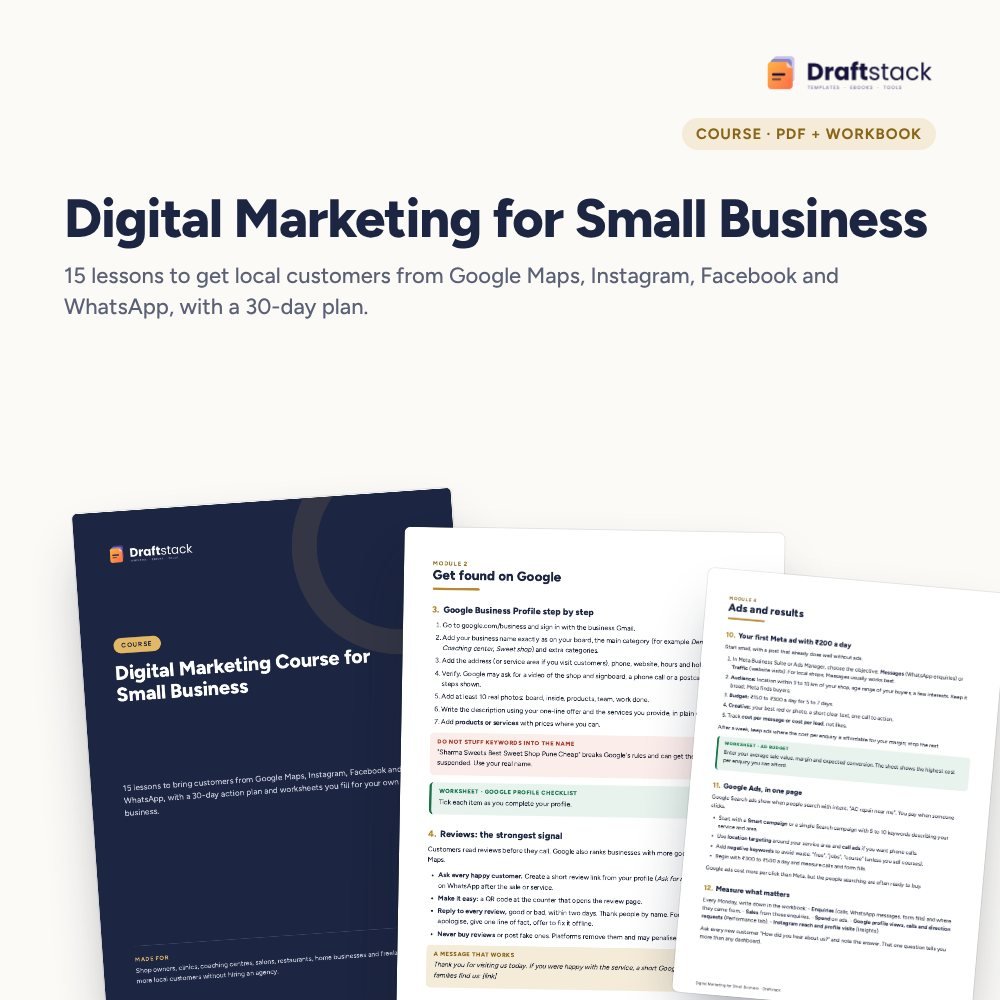 The template from this guideDigital Marketing Course for Small Business (Google, Meta, WhatsApp)
₹374
 WhatsApp
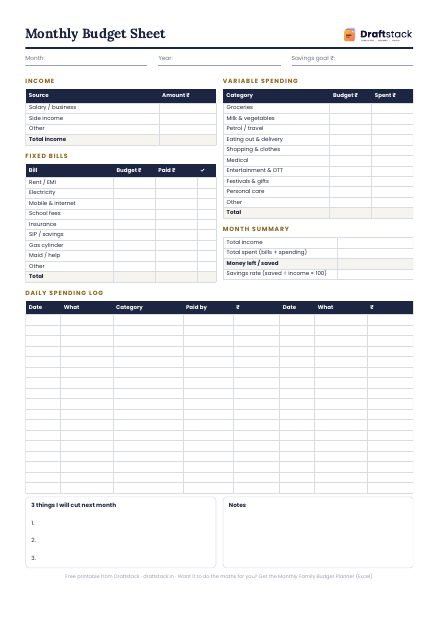
Free Monthly Budget Sheet
A printable one-page budget sheet: income, fixed bills, daily spending and savings for the month. Print it or fill it on your phone.
More guides
How to Increase Typing Speed for SSC and Court Exams
A practical method to type faster and with fewer mistakes for government typing tests, with a daily routine, speed targets and how WPM is worked out.
NIELIT CCC Exam: Syllabus, Pattern and How to Prepare
What the CCC course covers, why government jobs ask for it, and a two-week plan to prepare with notes, practice questions and real computer practice.
Tally Prime for Beginners: Company, Ledgers and GST Entries
How to start in Tally Prime: create a company, switch on GST, make ledgers and stock items, and enter your first purchase and sales invoices correctly.