How to Never Miss a Bill or EMI Payment
A single missed EMI can cost a bounce charge, a late fee, extra interest and a dent in your credit score. Most people who miss payments aren't short of money; they just lost track.
What a missed payment costs
- EMI bounce: a bounce charge from the lender (often ₹500 or more) plus a charge from your own bank, plus penal interest
- Credit card: late fee, interest on the whole balance, and a credit report entry if it's very late
- Utilities: late fees, and eventually disconnection
- Credit score: payments over 30 days late are reported and stay on your record for years
Step 1: List every regular payment
Rent, home and car EMIs, credit cards, electricity, broadband, phone, gas, society maintenance, school bus, house help, SIPs and insurance premiums. Write the due day and usual amount for each.
Step 2: Put them on a calendar
Seeing the month as a calendar shows the crunch days. If seven payments land between the 1st and the 7th, you need most of your salary in the account by then.
Step 3: Line up due dates with salary day
Many lenders and card issuers let you choose or change the due date. If salary comes on the 1st, move EMIs and card due dates to the 3rd to 10th. A bill due on the 28th is the one most likely to bounce.
Step 4: Use autopay, carefully
Autopay is the best way to never forget, but:
1. Keep a buffer equal to all auto-debits after salary day.
2. Check the amount on variable bills; set a sensible upper limit on UPI mandates.
3. Review your autopay list every few months and remove old ones.
Step 5: Tick each month
A simple Yes per bill per month shows at a glance what's done. When something is missing on the 15th, you'll notice.
If you do miss one
Pay as soon as possible, call the lender or card issuer, and ask for the late fee to be waived if it's a first time. Many will waive it once.
Our Monthly Bills Due Date Calendar keeps every bill and EMI on one list, shows the month as a calendar with daily totals and lets you tick each month's payments.
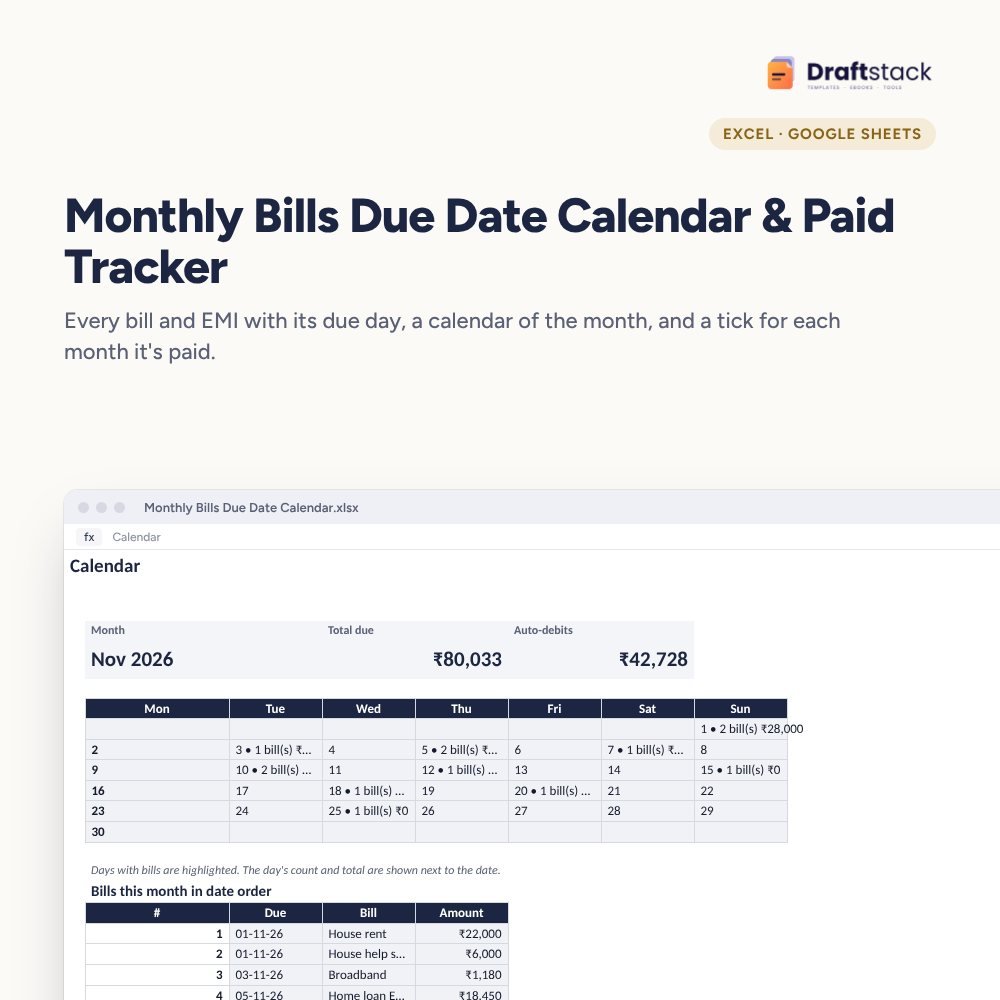 The template from this guideMonthly Bills Due Date Calendar & Paid Tracker (Excel)
₹99
The template from this guideMonthly Bills Due Date Calendar & Paid Tracker (Excel)
₹99  WhatsApp
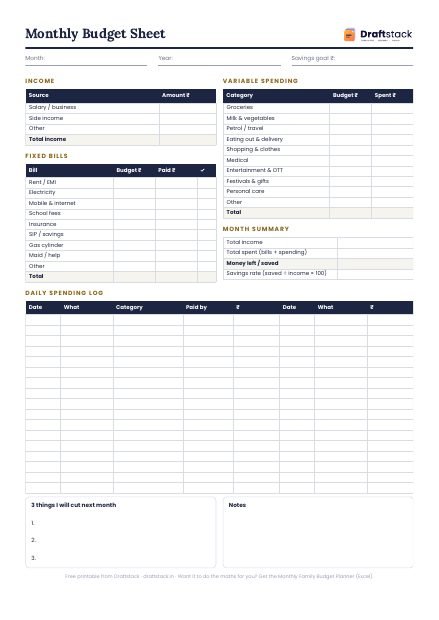
Free Monthly Budget Sheet
A printable one-page budget sheet: income, fixed bills, daily spending and savings for the month. Print it or fill it on your phone.
More guides
How to Plan a Home Renovation Budget (and Stick to It)
Typical renovation costs in India, how to compare contractor quotes, paying in stages, keeping a buffer and the mistakes that blow budgets.
How to Find and Cancel Unused Subscriptions and UPI Autopay
Where hidden subscriptions live (UPI autopay, cards, app stores), how to cancel each kind, and a simple yearly check to keep costs low.
How to Budget for School Fees and Hidden School Costs
The real yearly cost of school beyond tuition, a month-by-month calendar of school expenses, tax rules for tuition fees and ways to avoid late fees.