WhatsApp
 Pinterest
 New -63%
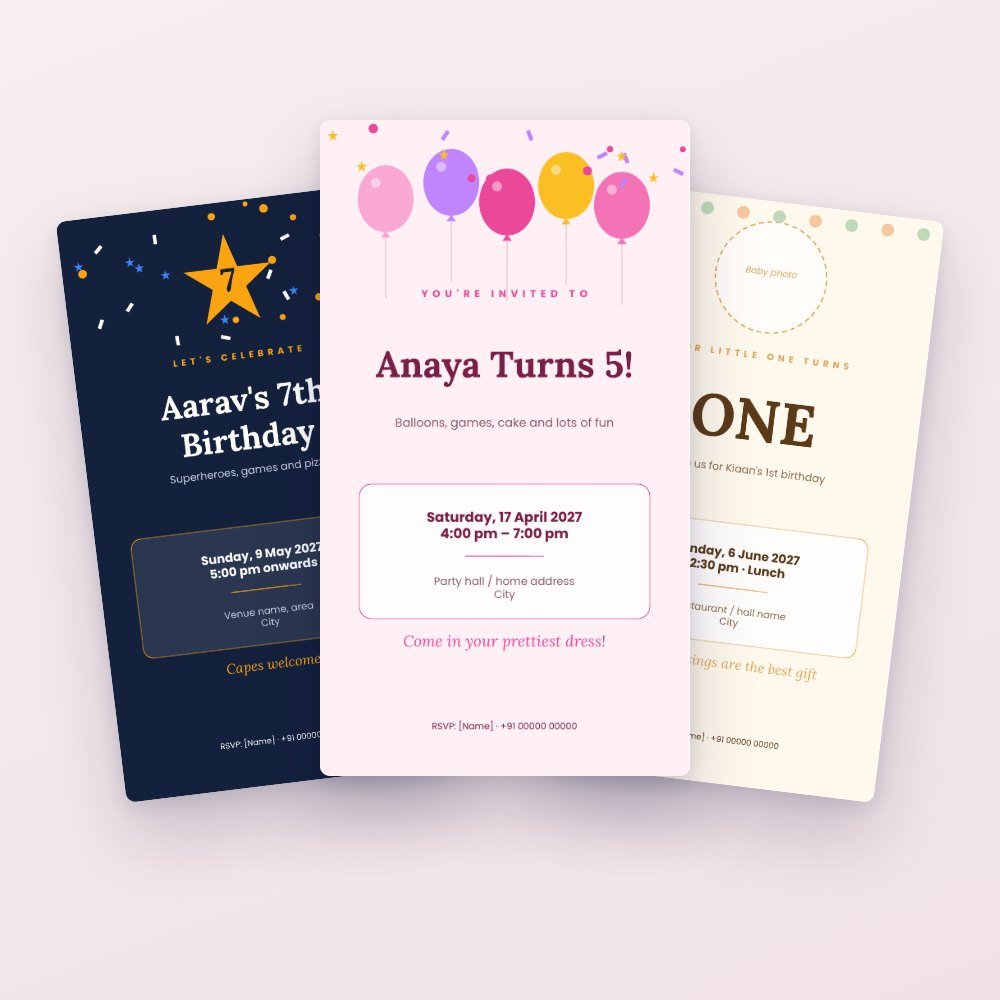
Birthday Party Kit: 6 E-Invites + Printable Decorations & Games
Everything for a birthday at home: 6 WhatsApp e-invites you edit in Canva, plus print-at-home bunting, cupcake toppers, games, return-gift tags, food labels and photo booth props.
₹199₹499Save ₹300 (60%)
Inclusive of all taxes · One-time payment · Instant download
Extra 20% off with code LAUNCH20 at checkout
Instant downloadOn screen + email
Secure paymentUPI · Cards · Net Banking
7-day helpFix or refund if faulty
Perfect for
Parents planning a kids' party at homeAnyone hosting a 30th, 50th or 60th birthdayParty planners and home bakers
What you get2 × .pptx (editable) + 2 × PDF (print-ready) + editing guide
Works withCanva · PowerPoint · Google Slides · Any PDF reader
DeliveryInstant download
LicencePersonal & own-business use
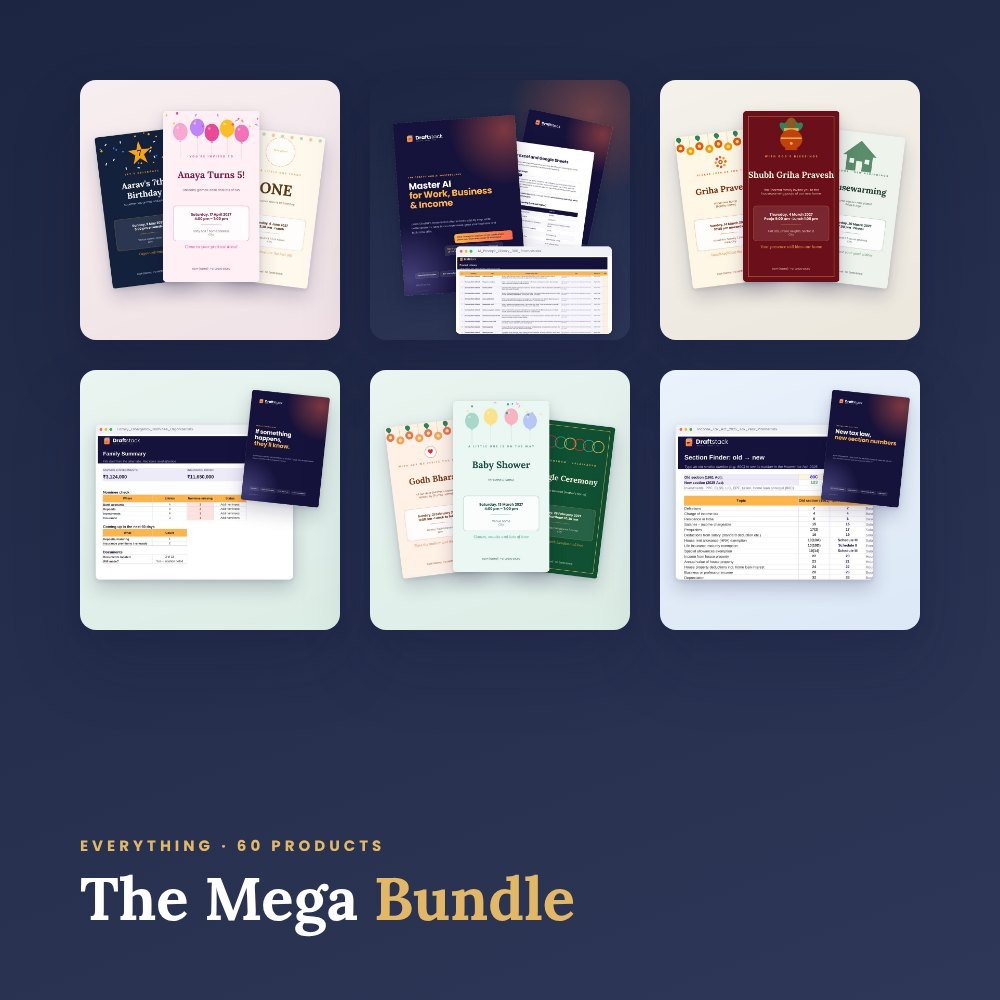 Get everything we makeDraftstack Mega Bundle: Everything · ₹1,999 · you save ₹8,561See →
Throw a party that looks planned by a pro, from your phone and a home printer.
6 e-invites (9:16, for WhatsApp)
- Girl's birthday with balloons
- Boy's birthday with stars
- First birthday with baby photo
- 30th birthday in black and gold
- 60th birthday (Shashtipoorti) in maroon and gold
- Jungle theme
18 pages of printables (A4)
- HAPPY BIRTHDAY bunting: one big letter per pennant
- Cupcake toppers in two colours
- Return-gift thank-you tags
- Welcome sign with the birthday child's name
- Birthday Bingo (4 different cards), treasure hunt clues and wishes cards
- Food labels and photo booth props
Change names, age, date and colours in Canva, PowerPoint or Google Slides. Or print the ready PDF and write the names by hand.
What's inside
Everything you get
01
6 e-invites (.pptx + PDF)
9:16 for WhatsApp and Instagram
02
Party printables (.pptx + PDF)
18 A4 pages: bunting, toppers, tags, games, labels, props
03
Editing guide
Canva, PowerPoint and Google Slides
Files in your download
- Birthday_Invites_6_Designs.pptx152 KB
- Birthday_Invites_6_Designs.pdf134 KB
- Birthday_Party_Printables_A4.pptx481 KB
- Birthday_Party_Printables_A4.pdf292 KB
- How_to_Edit_in_Canva_PowerPoint.pdf131 KB
How to use
Start in 5 simple steps
A step-by-step guide is also included inside your download.
- 1
Edit the invite
Import the .pptx into Canva and change name, age, date and venue
- 2
Share on WhatsApp
Download as PNG
- 3
Print the decorations
A4, at home or any print shop
- 4
Cut and set up
Cut along the dashed lines, string the bunting
- 5
Play the games
Bingo, treasure hunt and wishes jar
FAQ
Questions about this product
Do I need Canva Pro?
No. The free version of Canva works, and so do PowerPoint and Google Slides.
Can I print without editing?
Yes. The PDFs are print-ready; write the name on the welcome sign and tags by hand.
Which paper should I use?
Normal A4 works. 170–250 gsm card paper looks best for the bunting, toppers and tags.
How do I get the files after payment?
A download button appears on screen right after payment, and the link is emailed to you. You can also download again any time from My account.
Can I use it on my phone?
Yes. It works with Canva, PowerPoint, Google Slides, Any PDF reader. Free mobile apps are enough.
What if something does not work?
Write to us within 7 days with your order number. We will fix it, send a working file, or refund you.
Our promiseEvery file is tested before launch. If something doesn't work, we fix it or refund you within 7 days. Refund policy
More to explore
You may also like
New -63%
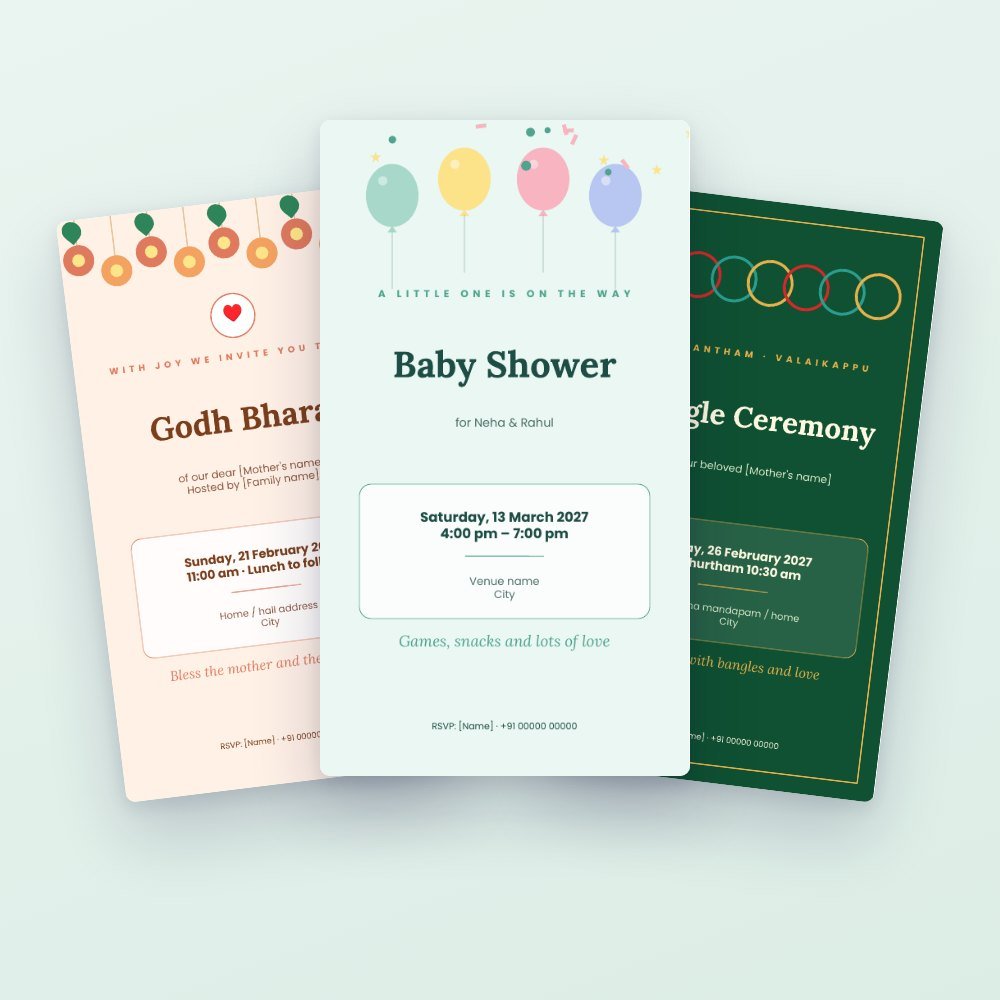 New -63%
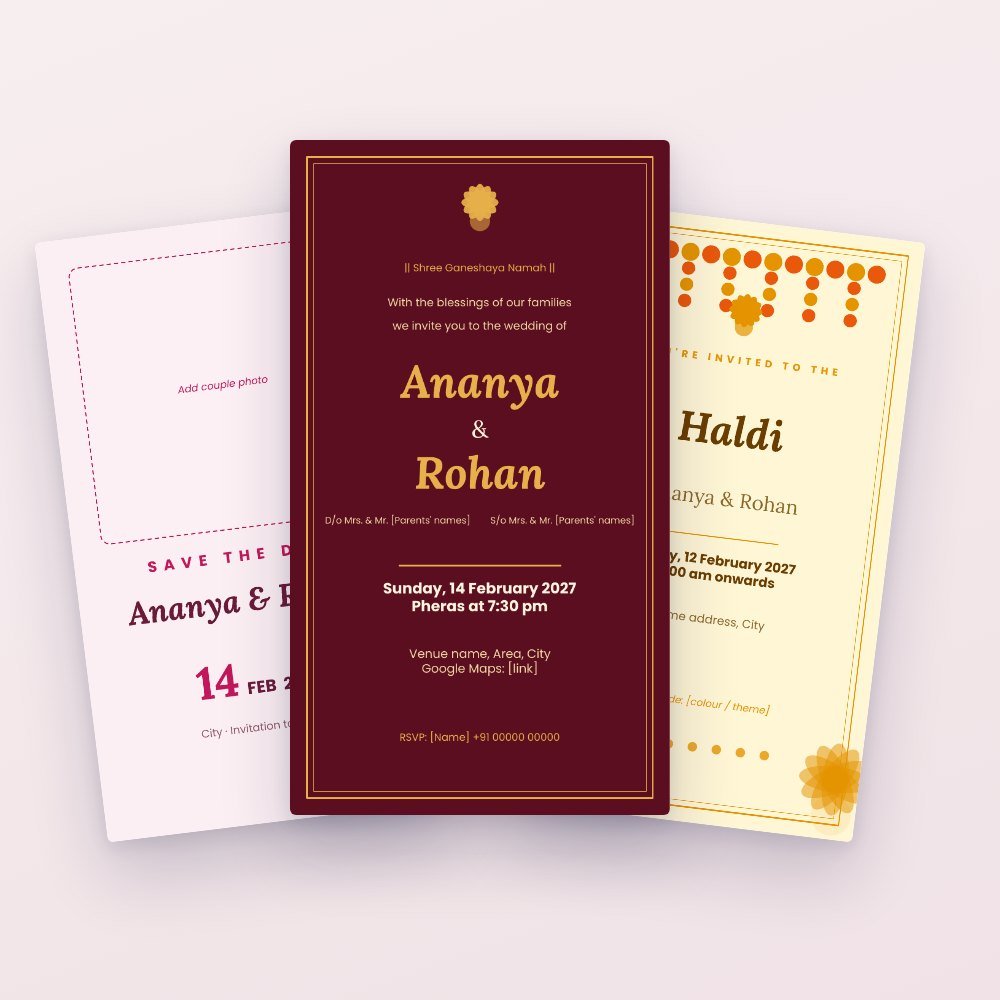 Trending -64%
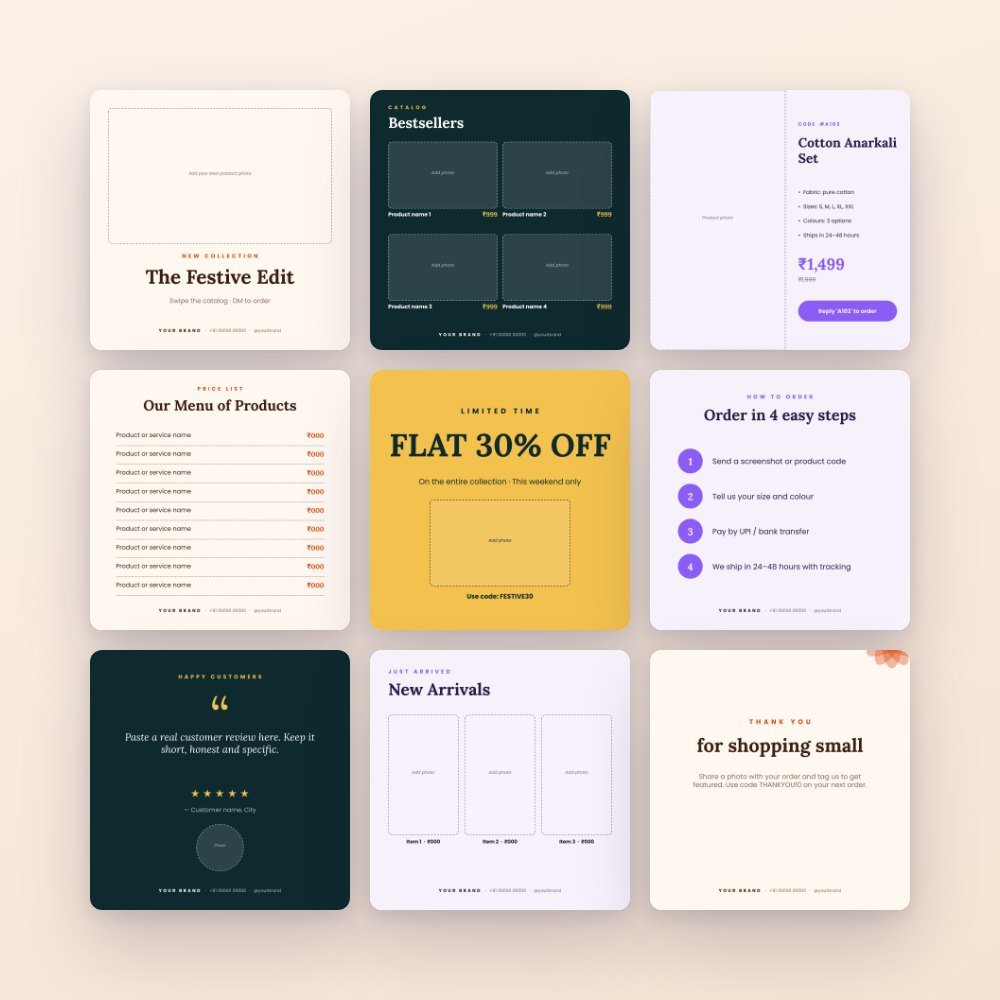 Trending -60%